standard

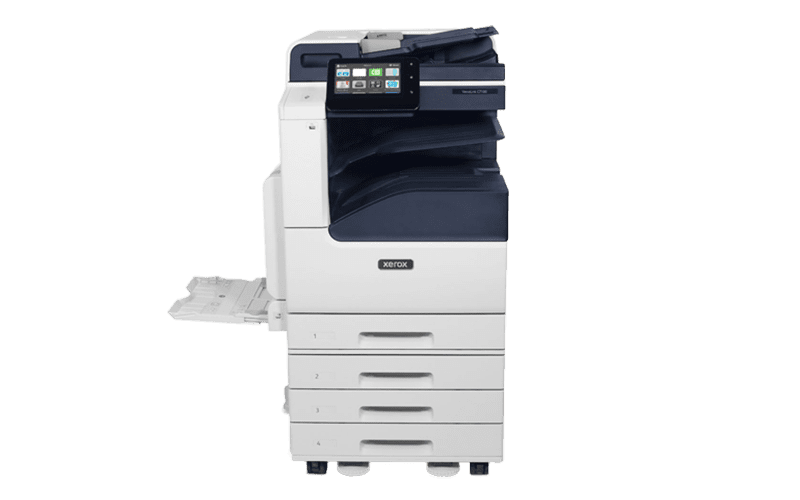
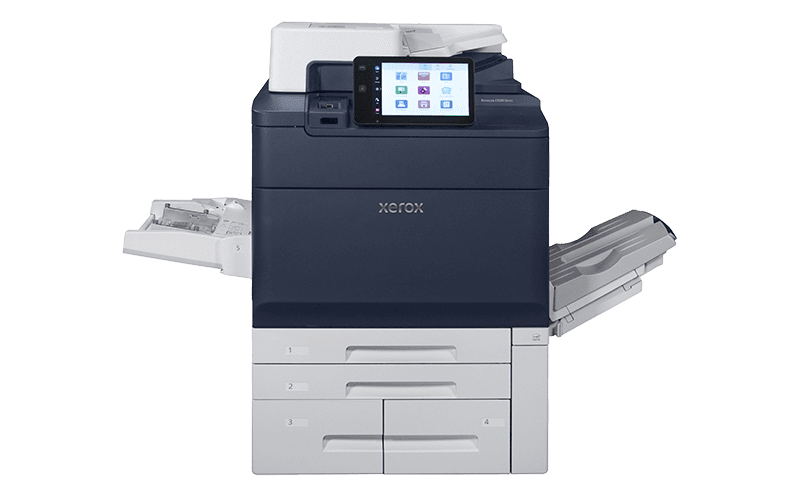
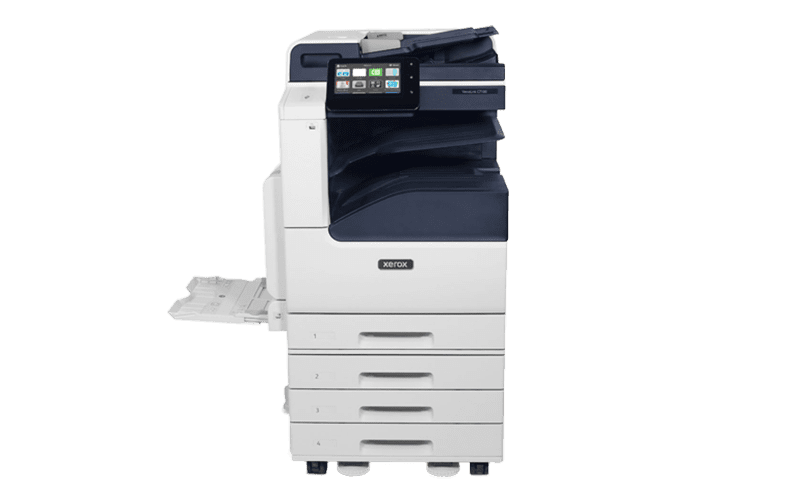
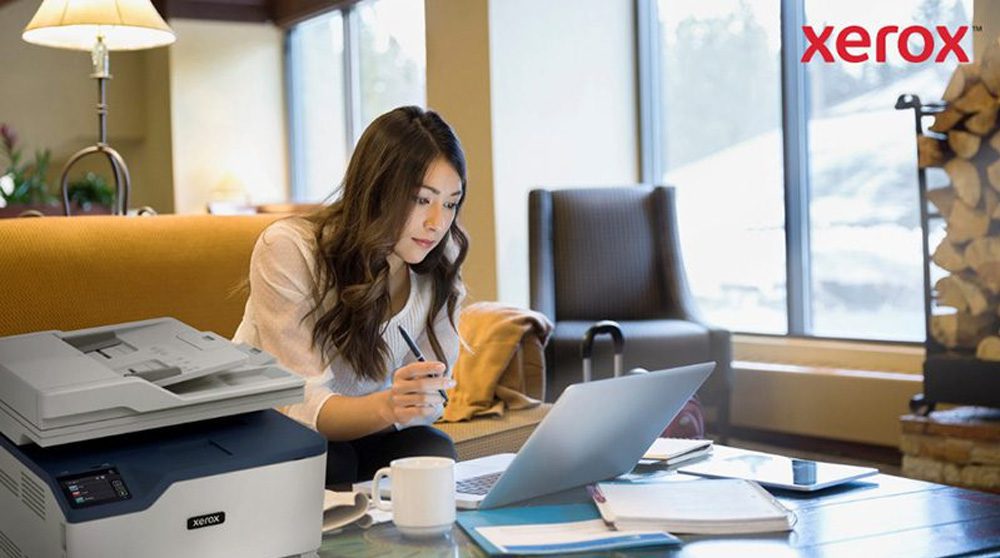
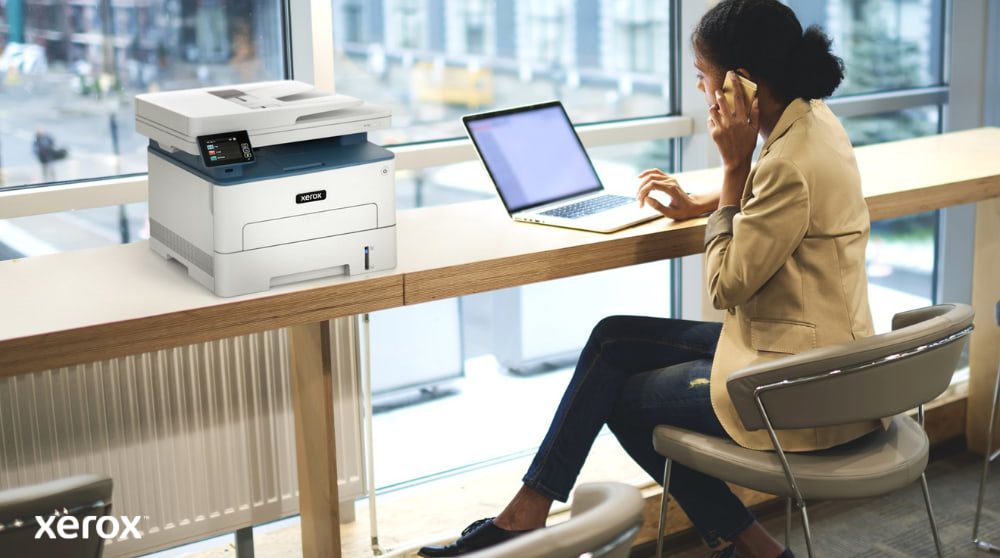
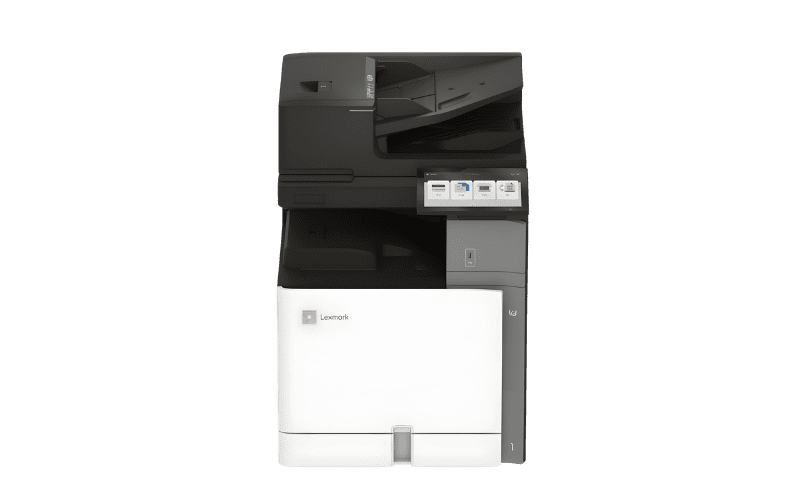
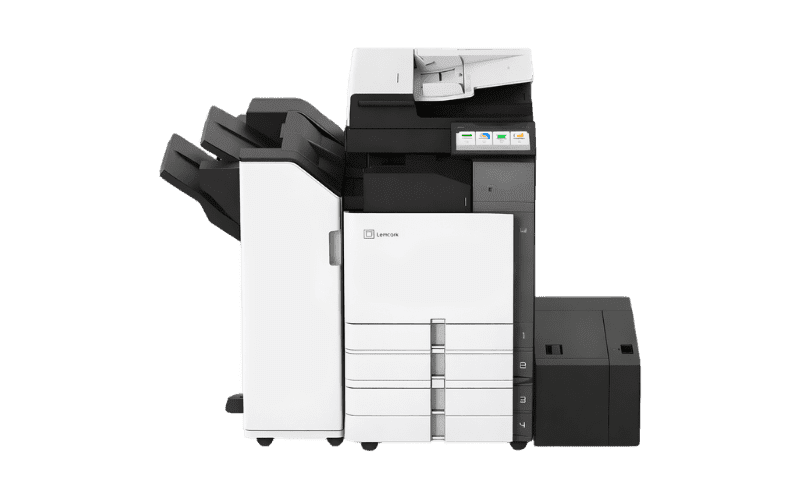
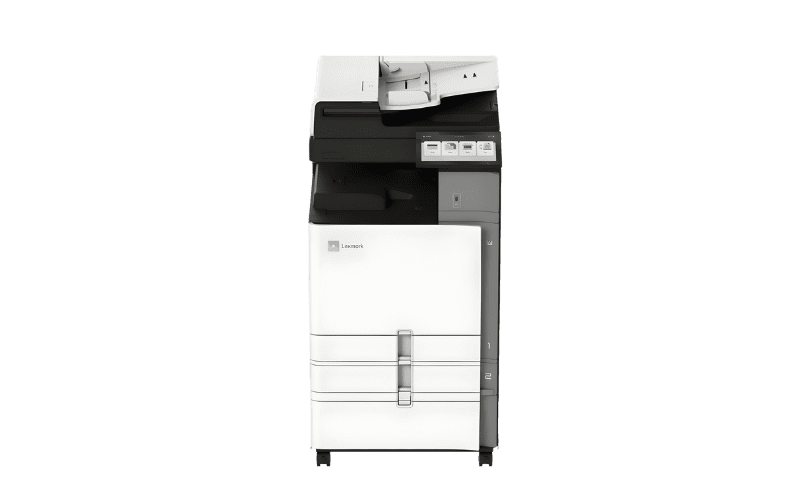
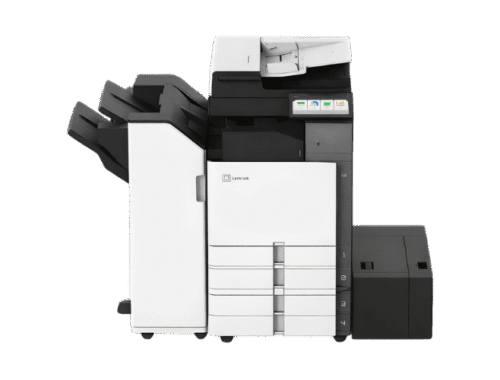
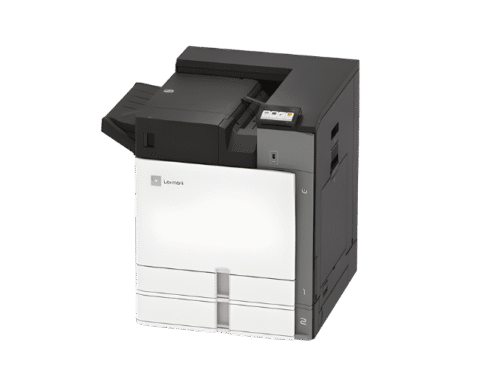
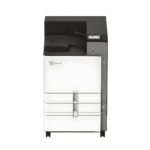
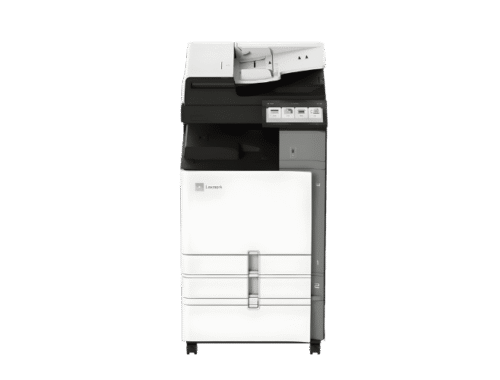
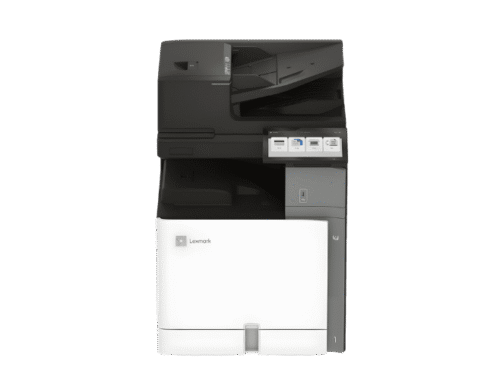
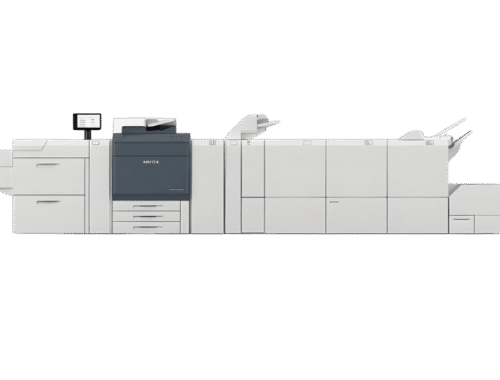
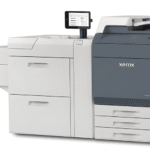
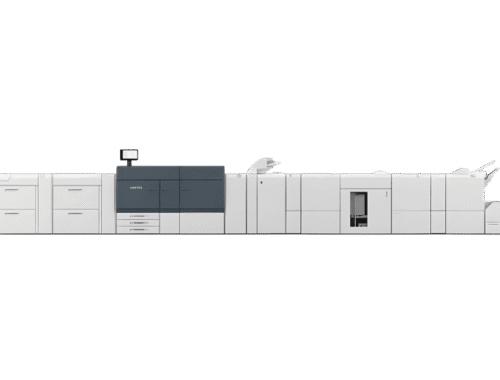
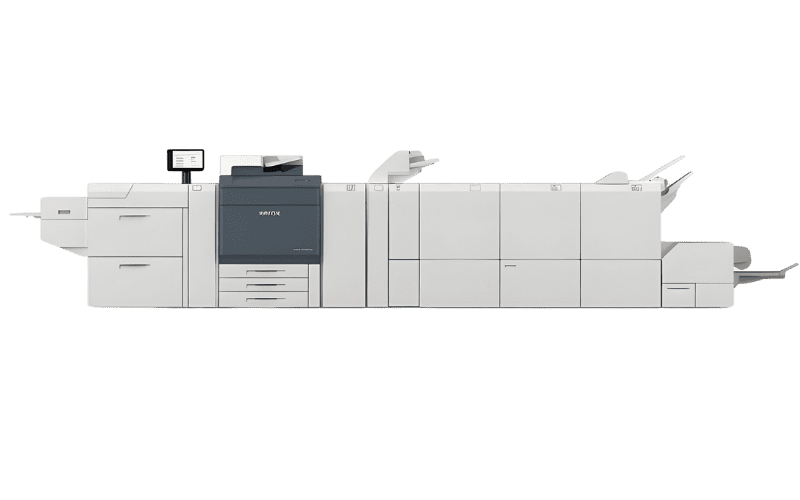
Xerox® C320 Colour Printer

Dependable, colour printer perfect for small work teams

in

Features

Find all the specifications in the technical brochure
  • Standard functions Print
  • Print speed 33 ppm
  • Recommended monthly print volume 6,000 pages
  • Duty cycle Up to 65,000 images/month
  • Standard paper capacity 251 sheets
  • Maximum paper capacity 901 sheets
  • Input Options 550 + 100 Sheet TrayPrinter Stand
  • Two-sided output Standard
  • Sustainability EPEATENERGY STAR®Xerox Supplies Recycling Programme, Earth Smart Settings

Related Videos

Related Documents

Brochure — Xerox C320/C325

Specifications — Xerox C320/C325

Discover our other workflow solutions

Xerox® VersaLink® B625 Multifunction Printer

Right-sized, ConnectKey-enabled Workplace Assistant that exceeds expectations.

in

Features

Find all the specifications in the technical brochure
  • Standard functions Copy, Email, Fax, Print, Scan
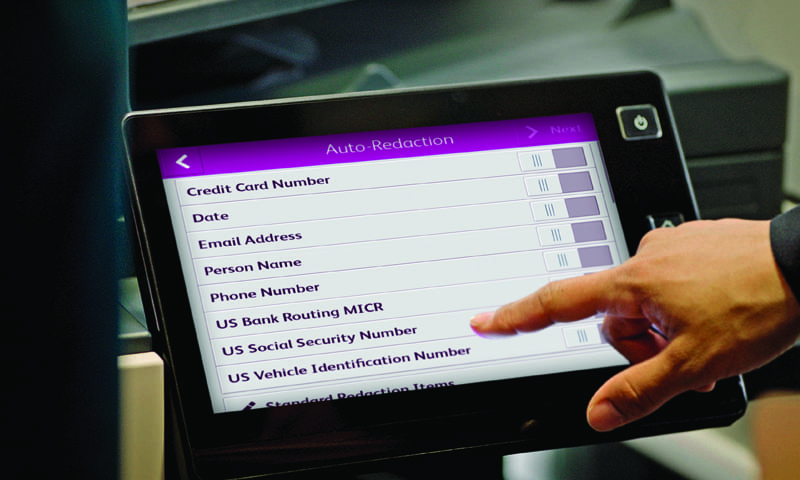
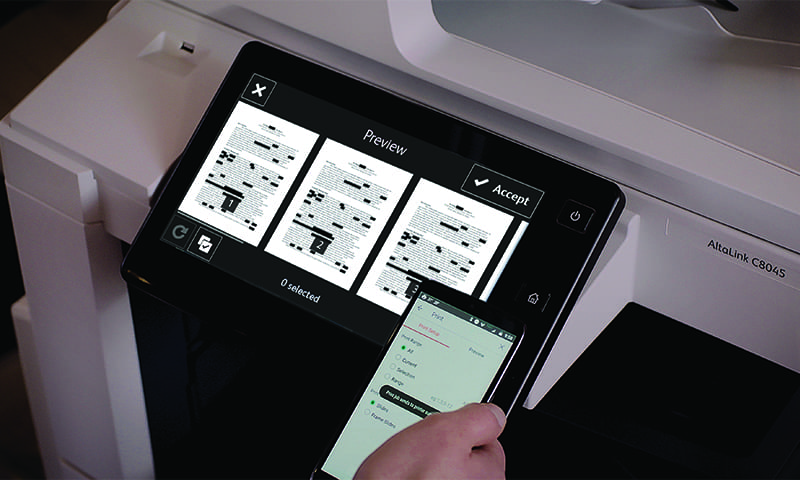
  • Optional Artificial Intelligence (AI) features Xerox® Auto-Redaction App, Xerox® Summariser App
  • Print speed 61 ppm
  • Standard paper capacity 650 sheets
  • Maximum paper capacity 3,850 sheets
  • Input Options Up to 3 additional 550-Sheet trays
  • Two-sided output Standard
  • Wi-Fi connectivity Optional
  • Sustainability ENERGY STAR®, EPEAT, Green World Alliance

Related Videos

Related Documents

Brochure – Xerox VersaLink B620/B625 Printer

Brochure – Xerox® ConnectKey® Technology

Specifications – Xerox VersaLink B625 Multifunction Printer

Discover our other workflow solutions

    Sorry, no posts matched your criteria.

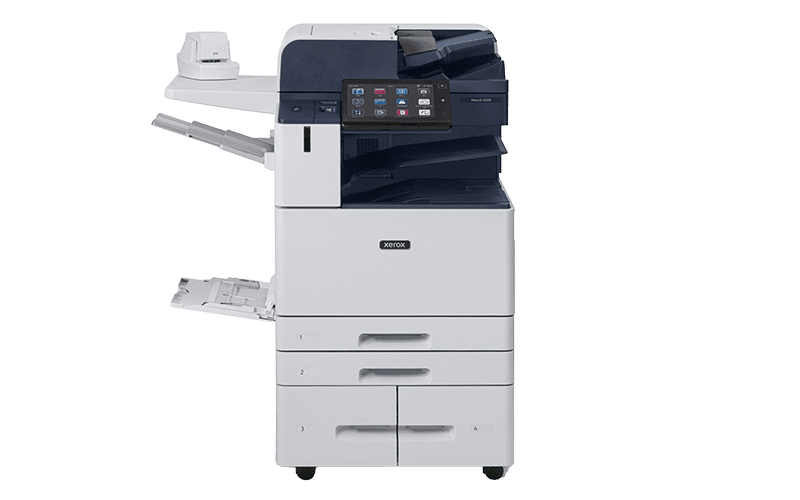
Xerox® AltaLink® B8200 Series Multifunction Printers

Now work can get itself done.

in

Features

Find all the specifications in the technical brochure
  • Standard functions Copy, Email, Print, Scan
  • Optional functions Walkup fax, Xerox Integrated RFID Card Reader
  • Print speed 45 ppm
  • Duty cycle Up to 200,000 images/month
  • Maximum print resolution 1200 x 2400 dpi
  • Sustainability EPEAT® ENERGY STAR®
  • Standard functions Copy, Email, Print, Scan
  • Optional functions Walkup fax, Xerox Integrated RFID Card Reader
  • Print speed 55 ppm
  • Duty cycle Up to 250,000 images/month
  • Maximum print resolution 1200 x 2400 dpi
  • Sustainability EPEAT® ENERGY STAR®
  • Standard functions Copy, Email, Print, Scan
  • Optional functions Walkup fax, Xerox Integrated RFID Card Reader
  • Print speed 72 ppm
  • Duty cycle Up to 300,000 images/month
  • Maximum print resolution 1200 x 2400 dpi
  • Sustainability EPEAT® ENERGY STAR®

Related Videos

Related Documents

Brochure – Xerox AltaLink B8200 Series Multifunction Printers

Brochure – Xerox® ConnectKey® Technology

Specifications – Xerox AltaLink B8200 Series Multifunction Printers

Specifications – Xerox® EX-c AltaLink® Print Server Powered by Fiery®

Discover our other workflow solutions

    Sorry, no posts matched your criteria.

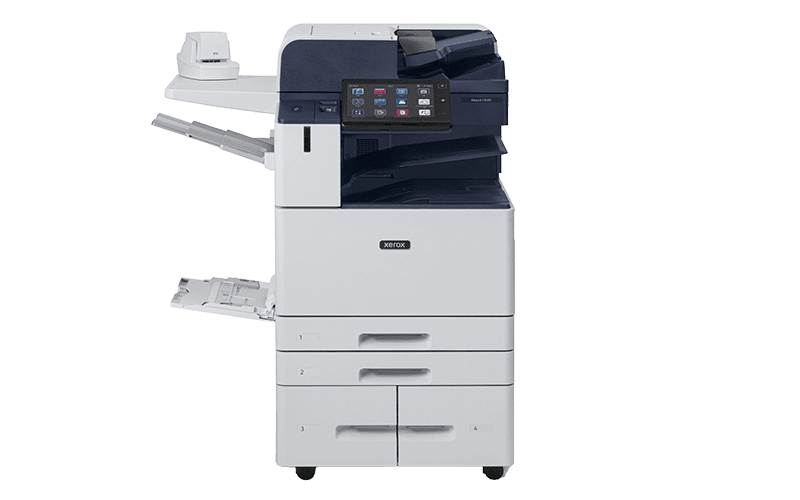
Xerox® AltaLink® C8200 Series Colour Multifunction Printers

Now work can get itself done.

in

Features

Find all the specifications in the technical brochure
  • Standard functions Copy, Email, Print, Scan
  • Optional functions Walkup fax, Xerox Integrated RFID Card Reader
  • Print speed 30 ppm
  • Duty cycle Up to 90,000 images/month
  • Maximum print resolution 1200 x 2400 dpi
  • Sustainability EPEAT® ENERGY STAR®
  • Standard functions Copy, Email, Print, Scan
  • Optional functions Walkup fax, Xerox Integrated RFID Card Reader
  • Print speed 35 ppm
  • Duty cycle Up to 110,000 images/month
  • Maximum print resolution 1200 x 2400 dpi
  • Sustainability EPEAT® ENERGY STAR®
  • Standard functions Copy, Email, Print, Scan
  • Optional functions Walkup fax, Xerox Integrated RFID Card Reader
  • Print speed 45 ppm
  • Duty cycle Up to 200,000 images/month
  • Maximum print resolution 1200 x 2400 dpi
  • Sustainability EPEAT® ENERGY STAR®
  • Standard functions Copy, Email, Print, Scan
  • Optional functions Walkup fax, Xerox Integrated RFID Card Reader
  • Print speed 55 ppm
  • Duty cycle Up to 300,000 images/month
  • Maximum print resolution 1200 x 2400 dpi
  • Sustainability EPEAT® ENERGY STAR®
  • Standard functions Copy, Email, Print, Scan
  • Optional functions Walkup fax, Xerox Integrated RFID Card Reader
  • Print speed 70 ppm
  • Duty cycle Up to 300,000 images/month
  • Maximum print resolution 1200 x 2400 dpi
  • Sustainability EPEAT® ENERGY STAR®

Related Videos

Related Documents

Brochure – Xerox AltaLink C8200 Series Colour Multifunction Printers

Brochure – Xerox® ConnectKey® Technology

Specifications – Xerox AltaLink C8200 Series Colour Multifunction Printers

Specifications – Xerox® EX-c AltaLink® Print Server Powered by Fiery®

Discover our other workflow solutions

    Sorry, no posts matched your criteria.

Xerox® C325 Colour Multifunction Printer

Dependable colour multifunction printer perfect for small work teams

in

Features

Find all the specifications in the technical brochure
  • Standard functions Copy, Fax, Print, Scan
  • Print speed 33 ppm
  • Recommended monthly print volume 6,000 pages
  • Duty cycle Up to 65,000 images/month
  • Standard paper capacity 251 sheets
  • Maximum paper capacity 901 sheets
  • Input Options 550 + 100 Sheet TrayPrinter Stand
  • Two-sided output Standard
  • Sustainability EPEAT, ENERGY STAR®, Green World Alliance, Earth Smart Printing

Related Videos

Related Documents

Brochure — Xerox C320/C325

Specifications — Xerox C320/C325

Discover our other workflow solutions

    Sorry, no posts matched your criteria.

Xerox® VersaLink® C625 Colour Multifunction Printer

Right-sized, ConnectKey-enabled Workplace Assistant that exceeds expectations.

in

Features

Find all the specifications in the technical brochure
  • Standard functions Copy, Email, Fax, Print, Scan
  • Print speed 50 ppm
  • Standard paper capacity 650 sheets
  • Maximum paper capacity 2,850 sheets
  • Input Options Up to 4 additional 550-Sheet trays
  • Two-sided output Standard
  • Wi-Fi connectivity Optional
  • Sustainability ENERGY STAR® EPEAT

Related Documents

Brochure – VersaLink C620/C625

Specifications – Xerox® VersaLink® C625 Colour Multifunction Printer

Xerox® VersaLink® B415 Multifunction Printer

Right-sized, Xerox® ConnectKey®-enabled Workplace Assistant that exceeds expectations

in

Features

Find all the specifications in the technical brochure
  • Standard functions Copy, Email, Fax, Print, Scan
  • Optional functions 500+ GB Hard Disk, WiFi Printing
  • Print speed 47 ppm
  • Recommended monthly print volume 20,000 pages
  • Duty cycle Up to 175,000 images/month
  • Standard paper capacity 650 sheets
  • Maximum paper capacity 2,300 sheets
  • Input Options add up to 3 additional 550-Sheet trays
  • Two-sided output Standard
  • Wi-Fi connectivity Optional
  • Sustainability EPEAT ENERGY STAR® Green World Alliance

Related Videos

Related Documents

Brochure – Xerox® VersaLink® B415 Multifunction Printer

Specifications – Xerox® VersaLink® B415 Multifunction Printer

Brochure – Xerox® ConnectKey® Technology

Discover our other workflow solutions

    Sorry, no posts matched your criteria.

Xerox® VersaLink® C415 Colour Multifunction Printer

Right-sized, Xerox® ConnectKey®-enabled Workplace Assistant that exceeds expectations

in

Features

Find all the specifications in the technical brochure
  • Standard functions Copy, Email, Fax, Print, Scan
  • Optional functions 500+ GB Hard Disk, WiFi Printing
  • Print speed 40 ppm
  • Recommended monthly print volume 10,000 pages
  • Duty cycle Up to 125,000 images/month
  • Standard paper capacity 251 sheets
  • Maximum paper capacity 1,451 sheets
  • Input Options Add 1 additional 550-Sheet tray Add 1 additional 550+100-Sheet tray
  • Two-sided output Standard
  • Wi-Fi connectivity Optional
  • Sustainability EPEAT ENERGY STAR® Green World Alliance

Related Videos

Related Documents

Brochure – Xerox® VersaLink® C415 Colour Multifunction Printer

Specifications – Xerox® VersaLink® C415 Colour Multifunction Printer

Brochure – Xerox® ConnectKey® Technology

Discover our other workflow solutions

    Sorry, no posts matched your criteria.

VersaLink® B7100 Series

Xerox® ConnectKey® technology enabled Workplace Assistant that can do it all

in

Features

Find all the specifications in the technical brochure
  • Standard functions Cloud, Copy, Email, Print, Scan
  • Optional functions Dual Band Wireless/WiFi Direct, Finishing, High Capacity Feeder (HCF), RFID Card Reader, Walkup Fax
  • Print speed 25 ppm
  • Recommended monthly print volume 13,000 pages
  • Duty cycle Up to 107,000 images/month
  • Maximum print resolution 1200 x 1200 dpi
  • Sustainability EPEAT ENERGY STAR®
  • Standard functions Cloud, Copy, Email, Print, Scan
  • Optional functions Dual Band Wireless/WiFi Direct, Finishing, High Capacity Feeder (HCF), RFID Card Reader, Walkup Fax
  • Print speed 30 ppm
  • Recommended monthly print volume 15,000 pages
  • Duty cycle Up to 129,000 images/month
  • Maximum print resolution 1200 x 1200 dpi
  • Sustainability EPEAT ENERGY STAR®
  • Standard functions Cloud, Copy, Email, Print, Scan
  • Optional functions Dual Band Wireless/WiFi Direct, Finishing, High Capacity Feeder (HCF), RFID Card Reader, Walkup Fax
  • Print speed 35 ppm
  • Recommended monthly print volume 17,000 pages
  • Duty cycle Up to 153,000 images/month
  • Maximum print resolution 1200 x 1200 dpi
  • Sustainability EPEAT ENERGY STAR®

Related Documents

Brochure – VersaLink B7100 Series

Brochure – Xerox® ConnectKey® Technology

Specifications – VersaLink B7100 Series

Discover our other workflow solutions

    Sorry, no posts matched your criteria.

VersaLink® C7100 Series

Xerox® ConnectKey® technology enabled Workplace Assistant that can do it all

in

Features

Find all the specifications in the technical brochure
  • Standard functions Cloud, Copy, Email, Print, Scan
  • Optional functions Dual Band Wireless/WiFi Direct, Finishing, High Capacity Feeder (HCF), RFID Card Reader, Walkup Fax
  • Print speed 20 ppm
  • Recommended monthly print volume 5,500 pages
  • Duty cycle Up to 87,000 images/month
  • Maximum print resolution 1200 x 2400 Image quality
  • Sustainability EPEAT ENERGY STAR®
  • Standard functions Cloud, Copy, Email, Print, Scan
  • Optional functions Dual Band Wireless/WiFi Direct, Finishing, High Capacity Feeder (HCF), RFID Card Reader, Walkup Fax
  • Print speed 25 ppm
  • Recommended monthly print volume 6,250 pages
  • Duty cycle Up to 107,000 images/month
  • Maximum print resolution 1200 x 2400 Image quality
  • Sustainability EPEAT ENERGY STAR®
  • Standard functions Cloud, Copy, Email, Print, Scan
  • Optional functions Dual Band Wireless/WiFi Direct, Finishing, High Capacity Feeder (HCF), RFID Card Reader, Walkup Fax
  • Print speed 30 ppm
  • Recommended monthly print volume 7,000 pages
  • Duty cycle Up to 129,000 images/month
  • Maximum print resolution 1200 x 2400 Image quality
  • Sustainability EPEAT ENERGY STAR®

Related Documents

Brochure – VersaLink C7100 Series

Brochure – Xerox® ConnectKey® Technology

Specifications – VersaLink C7100 Series

Discover our other workflow solutions

    Sorry, no posts matched your criteria.

Xerox® B315 Multifunction Printer

Fast, compact, ideal for busy work teams and tight spaces

in

Features

Find all the specifications in the technical brochure
  • Model B315V/DNI
  • Standard functions Copy, Fax, Print, Scan
  • Print speed 40 ppm
  • Recommended monthly print volume 8,000 pages
  • Duty cycle Up to 80,000 images/month
  • Connectivity 10/100 Base-T Ethernet, USB 2.0, Wi-fi
  • Two-sided output Standard
  • Sustainability EPEAT, ENERGY STAR®, Blue Angel, Green World Alliance

Related Documents

Brochure — Xerox B315

Specifications — Xerox B315

Discover our other workflow solutions

    Sorry, no posts matched your criteria.

Xerox® B305 Multifunction Printer

Reliable black-and-white multifunction printer for your small business or home office

in

Features

Find all the specifications in the technical brochure
  • Model B305V/DNI
  • Standard functions Copy, Print, Scan
  • Print speed 38 ppm
  • Recommended monthly print volume 8,000 pages
  • Duty cycle Up to 80,000 images/month
  • Connectivity 10/100 Base-T Ethernet, USB 2.0, Wi-fi
  • Two-sided output Standard
  • Sustainability EPEAT, ENERGY STAR®, Blue Angel, Green World Alliance

Related Documents

Brochure — Xerox B305

Specifications — Xerox B305

Discover our other workflow solutions

    Sorry, no posts matched your criteria.

Xerox® C235 Colour Multifunction Printer

Do more wherever work gets done.

in

Features

Find all the specifications in the technical brochure
  • Description PS3 PCL5e/6 ADF 2 Trays 251 Sheets UK
  • Standard functions Copy, Fax, Print, Scan
  • Paper size A4
  • Print speed colour Up to 22 pp/mn
  • Print speed Black Up to 22 pp/mn
  • Two-sided output Standard
  • Recommended Monthly print volume 1.500 pages
  • Duty Cycle Up to 30.000 images /month
  • Print Resolution 600 x 600 dpi
  • Connectivity 10/100BaseT Ethernet, Hi-Speed Certified (Type B), High-Speed USB 2.0, Wireless 802.11b/g/n
  • Sustainability EPEAT, ENERGY STAR®, Blue Angel, Green World Alliance

Related Documents

Brochure - Xerox® C235

Discover our other workflow solutions

    Sorry, no posts matched your criteria.

Xerox® B235 Multifunction Printer

Simplify the way you work with the Xerox® B230 Printer and B225/B235 Multifunction Printer.

in

Features

Find all the specifications in the technical brochure
  • Description PS3 PCL5e/6 ADF 2 Trays 251 Sheets UK
  • Standard functions Copy, Fax, Print, Scan
  • Paper size A4
  • Print speed Up to 34 ppm
  • Duplex mode Standard
  • Recommended monthly print volume Up to 2.500 pages
  • Duty cycle Up to 30,000 images/month
  • Maximum print resolution 600 x 600 dpi
  • Connectivity 10/100BaseT Ethernet, Hi-Speed Certified (Type B), High-Speed USB 2.0, Wireless 802.11b/g/n
  • Sustainability EPEAT, ENERGY STAR®, Blue Angel, Green World Alliance

Related Documents

Brochure - Xerox B235

Discover our other workflow solutions

    Sorry, no posts matched your criteria.

Xerox® B225 Multifunction Printer

Simplify the way you work with the Xerox® B230 Printer and B225/B235 Multifunction Printer.

in

Features

Find all the specifications in the technical brochure
  • Description PS3 PCL5e/6 ADF 2 Trays 251 Sheets UK
  • Standard functions Copy, Print Scan
  • Paper size A4
  • Print speed Up to 34 ppm
  • Duplex mode Standard
  • Recommended monthly print volume Up to 2.500 pages
  • Duty cycle Up to 30,000 images/month
  • Maximum print resolution 600 x 600 dpi
  • Connectivity 10/100BaseT Ethernet, Hi-Speed Certified (Type B), High-Speed USB 2.0, Wireless 802.11b/g/n
  • Sustainability EPEAT, ENERGY STAR®, Blue Angel, Green World Alliance

Related Documents

Brochure - Xerox B225

Discover our other workflow solutions

    Sorry, no posts matched your criteria.

Xerox® C230 Colour Printer

Do more wherever work gets done.

in

Features

Find all the specifications in the technical brochure
  • Paper size A4
  • Print speed colour Up to 22 pp/mn
  • Print speed Black Up to 22 pp/mn
  • Two-sided output Standard
  • Recommended Monthly print volume 1.500 pages
  • Duty Cycle Up to 30.000 images /month
  • Print Resolution 600 x 600 dpi
  • Connectivity 10/100BaseT Ethernet, Hi-Speed Certified (Type B), High-Speed USB 2.0, Wireless 802.11b/g/n
  • Sustainability EPEAT, ENERGY STAR®, Blue Angel, Green World Alliance

Related Documents

Brochure - Xerox C230

Discover our other workflow solutions

    Sorry, no posts matched your criteria.

Xerox® B310 Printer

Finally, a printer that can keep up with you.

in

Features

Find all the specifications in the technical brochure
  • Paper size A4
  • Print speed Up to 40 ppm
  • Duplex mode Standard
  • Recommended monthly print volume Up to 6000 pages
  • Duty cycle Up to 80,000 images/month
  • Maximum print resolution 600 x 600 dpi
  • Connectivity 10/100 Base-T Ethernet, USB 2.0, Wi-fi
  • Sustainability EPEAT, ENERGY STAR®, Blue Angel, Green World Alliance

Related Documents

Brochure - Xerox B310

Specifications — Xerox B310

Discover our other workflow solutions

    Sorry, no posts matched your criteria.

Xerox® Everyday™ Toner

in
Xerox® Everyday™ Toner


Toner Supplies for Non-Xerox Printers


A new kind of toner designed to work for printers, people and the planet.

Whatever brand printer you use, choosing generic replacement cartridges may have serious consequences – not just for your device, but for your health and the well-being of the planet.

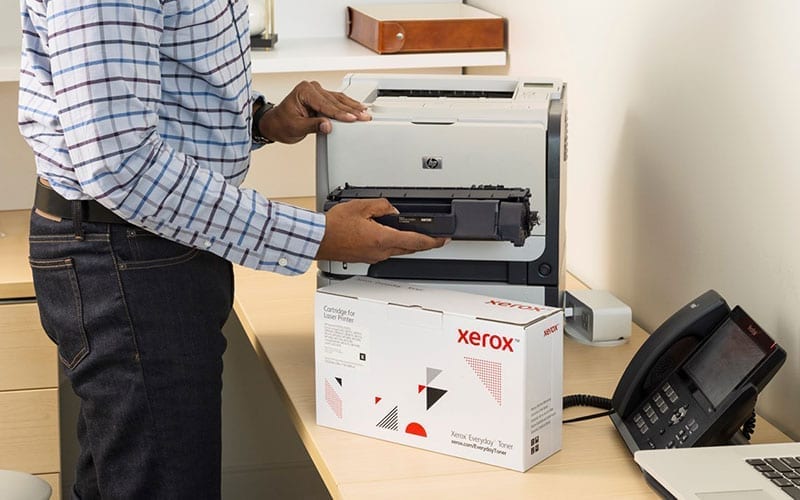
Xerox® Everyday™ Toner is different. It’s compatible with most popular printer brands, delivering higher quality and more pages than generics. It’s safe, non-toxic and comes with a lifetime guarantee.


Xerox® Everyday™ Toner. Savings, reliability and safety. No nonsense.


Download the brochure


Xerox® Everyday™ Toner


Less money. More confidence.

With Xerox® Everyday™ Toner you don’t need to worry about leaking cartridges, ruined output or damaged machines. These cartridges are compatible with most popular printer brands. They will not void your warranty and are backed by a lifetime guarantee.


Xerox® Everyday™ Toner Lifetime warranty. No risks.


Download the brochure


Xerox® Everyday™ Toner


Responsible and recyclable.

With Xerox® Everyday™ Toner, you always know what you’re getting: safe, non-toxic toner that meets or exceeds health and safety standards and won’t harm people or the environment. So you can always breathe easy.


It’s what’s inside that counts.


Download the brochure


One-stop shop simplicity.

Finally, you can get all your toner from one trusted supplier. The Xerox® Everyday™ Toner portfolio supports most leading printer brands. One call delivers quality, consistency and efficiency to every printer you own.

Xerox® B230 Printer

Simplify the way you work with the Xerox® B230 Printer and B225/B235 Multifunction Printer.

in

Features

Find all the specifications in the technical brochure
  • Paper size A4
  • Print speed Up to 34 ppm
  • Duplex mode Standard
  • Recommended monthly print volume Up to 2.500 pages
  • Duty cycle Up to 30,000 images/month
  • Maximum print resolution 600 x 600 dpi
  • Connectivity 10/100BaseT Ethernet, Hi-Speed Certified (Type B), High-Speed USB 2.0, Wireless 802.11b/g/n
  • Sustainability EPEAT, ENERGY STAR®, Blue Angel, Green World Alliance

Related Documents

Brochure - Xerox B230

Discover our other workflow solutions

    Sorry, no posts matched your criteria.

Xerox® Genuine Supplies

in
Man smiling with computer


Keep things easy, keep them Xerox.

When you use genuine Xerox supplies, you’ll get vibrant colors, sharp text, crisp fine lines, and consistent output – page after page. You expect excellence from your Xerox printer, and only our supplies can ensure that with every print. Never compromise on quality.


Vibrant colours, Sharp Text – page after page.


Only Xerox cartridges are made for Xerox machines to work at their best, so you can do the same. Compared to compatibles, the difference is clear, so order your Genuine Xerox Supplies today.


Did you know?

Xerox has been developing toner for decades. That’s years of research, technical innovation and passion for quality – all pouring into every little dot that makes up a picture-perfect print.


Toner Xerox


Xerox Genuine Supplies

Related Videos

Xerox® Versant® 280 Press

Reimagined to deliver everything you need in a mid-production press.

in

Features

Find all the specifications in the technical brochure
  • Standard Capabilities Colour printing, copying, and scanning
  • Optional Capabilities Feeding, Finishing, Workflow, Performance options
  • Paper size Min 98 x 146 mm, Max 330 x 660 mm
  • Media weight 52 – 400 gsm
  • Media types Coated and uncoated papers, bright papers, labels, business cards, glossy brochures, window decals, durable/synthetic papers, greeting cards, tabs, embossed, polyesters and custom solutions, Mixed-stock jobs supported
  • Print speed Up to 80 ppm
  • Recommended average monthly volume Up to 150,000 pages/month
  • Duty Cycle 750,000 pages/month
  • Maximum print resolution 2400 x 2400 dpi VCSEL ROS / up to 1200 x 1200 x 10 RIP
  • Sustainability EPEAT, ENERGY STAR, Xerox Supplies Recycling Program

Digital Front Ends

Standard:

 Xerox® EX 280 Print Server Powered by Fiery®  Xerox® EX-i 280 Print Server Powered by Fiery®


Speciality Colours

Breathing inspiration into print

Swap CMYK toners with speciality colours with the Xerox® Adaptive CMYK Plus Kit. Print traditional digital applications with CMYK. Swap out toners for the Xerox® Vivid Speciality Toner set to run exciting new applications with shimmering metallics, white, and clear. Or swap for the Xerox® Fluorescent Speciality Toner set to create eyestoppingly colourful prints that glow under UV light.

Related Videos

Related Documents

Brochure - Versant 280

Discover our other workflow solutions

Xerox® C320 Colour Printer

Dependable, colour printer perfect for small work teams

in

Features

Find all the specifications in the technical brochure
  • Standard functions Print
  • Print speed 33 ppm
  • Recommended monthly print volume 6,000 pages
  • Duty cycle Up to 65,000 images/month
  • Standard paper capacity 251 sheets
  • Maximum paper capacity 901 sheets
  • Input Options 550 + 100 Sheet TrayPrinter Stand
  • Two-sided output Standard
  • Sustainability EPEATENERGY STAR®Xerox Supplies Recycling Programme Paramètres Earth Smart

Related Videos

Related Documents

Brochure — Xerox C320/C325

Specifications — Xerox C320/C325

Discover our other workflow solutions

    Sorry, no posts matched your criteria.

Xerox Service Experience

in
Office workers collaborating near a Xerox printer.


A better user experience begins with better connectivity

The Xerox service experience is designed to provide you with support that is simple, efficient and tailored to your needs. As remote and hybrid work become standard, their service model has evolved beyond traditional repair approaches, driven by technology, data, and sustainability demands.

Through self-service tools and customer portals, you are empowered to resolve issues quickly and stay in control. With a focus on innovation, flexibility, and reliability, Xerox ensures fast, remote solutions to maximise uptime and keep your operations smooth.


Xerox® Remote Services

Xerox devices are designed for self-monitoring, ensuring automatic adjustments, supply reordering, and 24/7 issue resolution before problems occur. Xerox Remote Services connects your devices to our support infrastructure, saving time and boosting productivity, all with security as a priority.

Key benefits:

  • Automated meter reporting
  • Supplies replenishment
  • Real-time diagnostics
  • Automated software updates
  • Management of both Xerox and non-Xerox printers


Your data stays secure with no personal or sensitive information shared.


Get Connected

Visit How to Connect to Remote Services for instructions on connecting your devices to Xerox Remote Services.

Establish a connection that changes everything

Device Connectivity is critical to the delivery of an enhanced Xerox Service Experience, that is simple, efficient and provides the support you need.

Connectivity is based on a technology platform that provides a secure end-to-end system for connecting printers to the Xerox infrastructure.

Xerox AI proprietary technologies securely transmit critical service data, such as firmware versions, fault history, service items approaching replacement intervals, and diagnostic information.

Simply connect and ensure that all office and production devices are set up to share and transmit to Xerox systems.

Your Xerox device only shares data needed to maintain optimum performance, keeping your data safe at every step.


Your devices ONLY send relevant data via an encrypted channel on:

  • Print device identity
  • Hardware and software configuration
  • Meter and other usage counts
  • Toner levels
  • Device diagnostic data
  • Maintenance status, alerts and fault codes

Your devices will NOT share:

  • Document contents
  • Customer proprietary data
  • Sensitive data
  • Personal Identifiable Information (PII)


Connect in 3 steps, simplicity at its best


Step 1


Connect your Xerox® device
to your network

Step 2


Ensure secure transmissions are permitted in your firewall settings

Step 3


Verify that you are connected


Access step-by-step online support on www.xerox.com/remote-services


A spacious office featuring a Xerox® printer and a computer on a desk, showcasing a professional work environment.


Together with Xerox, get connected to stay productive

Remember to check your connection after any of these actions to avoid interruptions.


Moving your device

Changes to firewall settings

Changes to network settings

Host PC for the device manager application turned off

Turning off the machine instead of using Sleep mode

Holiday shutdown

Keep it simple. Check your connection to ensure your devices always deliver.


Online Support tools at your fingertips from Xerox

Xerox has a range of online tools that are available to you to support your device management. You have 24/7 access to self-support content and use the latest insights, tools and helpful videos.

Xerox® Easy Assist App: An intuitive experience in the palm of your hand. A convenient, secure and easy-to-use mobile app that simplifies installation and provides real-time monitoring and management of your printer or multifunction printer (MFP).

Xerox Forums: Peer-to-peer forum where clients help each other with answers to questions about Xerox printer, software and app products. Visit Community Home page – Customer Support Forum and browse the community.

Xerox YouTube Channel: Clients can easily find all the videos for a particular product model using our Playlists. Visit Xerox Support – YouTube. Find easy, instant, online assistance from Xerox support. Search for your product in our playlist.

Xerox Knowledge Base: Easy, online portal where clients can search support, and information for their specific equipment. See here Product Support and Drivers – Xerox.

On-board device help: With intelligent printers that display what is going on intuitively so that any user can fix it by following the instructions and videos on the panel. Prevents the escalation of paper jams, empty paper trays and toner out etc.., to technical support. No tools or external diagnosis required.

CareAR Instruct: A simple to use mobile app with visually immersive, step-by-step guidance and instructional content to quickly and confidently complete routine maintenance tasks, troubleshooting and more.

Visit http://www.xerox.com/carear-instruct to select a compatible device, and click on your model for a QR code to install the app.


Slowing down isn’t an option and together with Xerox, you will have a customer-focused service that keeps you running around the clock, anywhere in the world.

Xerox® Supplies Tracker App

in

Supply tracking made simple


Picture of staff meeting with Xerox Supplies tracker logo


Check the delivery status of your supplies in just a few seconds


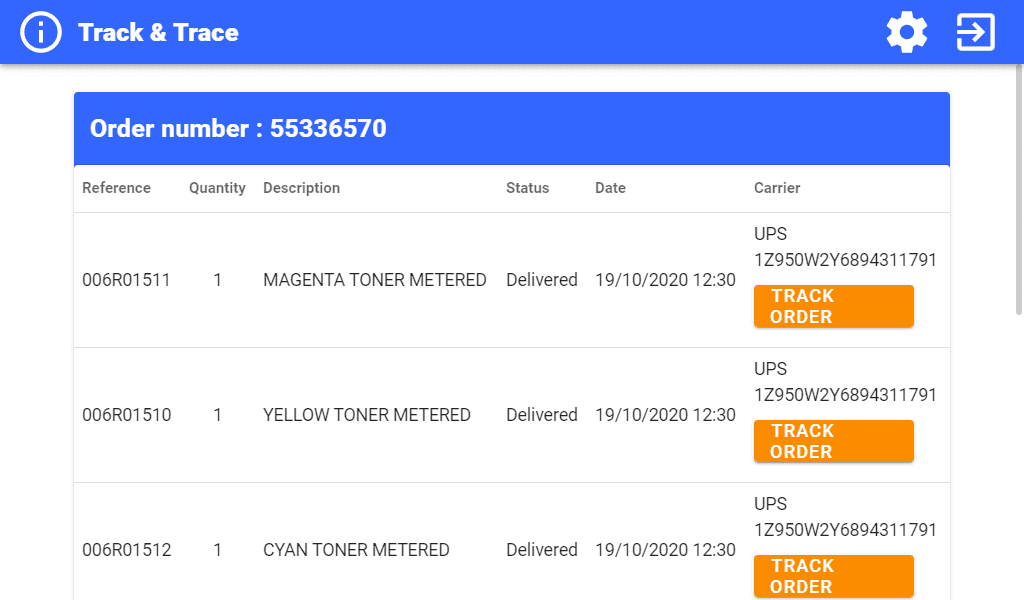
Ready to make your time at the office more productive? This application lets you know exactly where your supplies are. In just a few simple steps, directly from your multifunction printer (MFP), you can see if an order has been placed, track its processing status and even obtain proof of delivery, all without having to contact customer service.


Less time spent on monitoring, more time for everything else

You’ve already got a lot to keep track of at the office. Now, with this app, you’ll have one less thing to manage. It gives you the tracking information for the supplies you need, when and where you need them. So you can optimise your day and make the most of every minute.


22%

This is the average amount of time employees spend on superfluous tasks, such as keeping track of supply orders. This represents almost a quarter of the working day that could have been devoted to more important activities.


Before: A multi-step process


Xerox printer icon

Find the serial number of your device.


Laptop icon

Access the Xerox web portal to track the status of your order, if you have been able to find the relevant information.


Mobile phone icon

Call your sales representative or partner to find out the status of your order, including its location.


After: A simplified process


Xerox printer icon

Open the application on your multifunction printer.


Mobile phone icon with one hand

All the tracking information you need is displayed on the user interface screen.


The Xerox Supplies Tracker app at a glance


Illustration of the orders interface of the application


See everything in one place

View your orders and select the ones you want to track.


Illustration of the shipment interface of the application


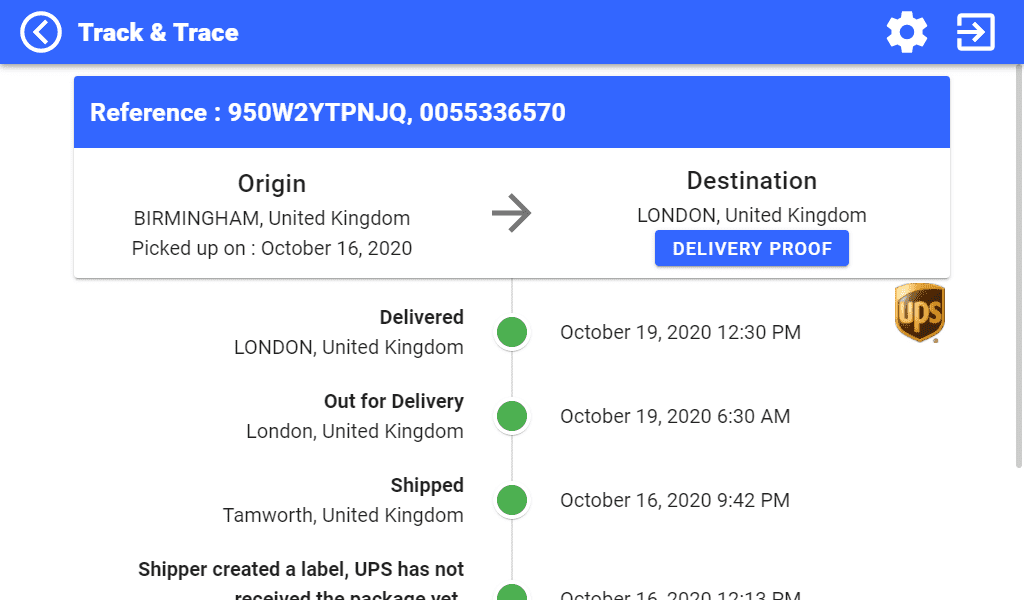
Track your orders

Get important information about deliveries, including detailed status updates.


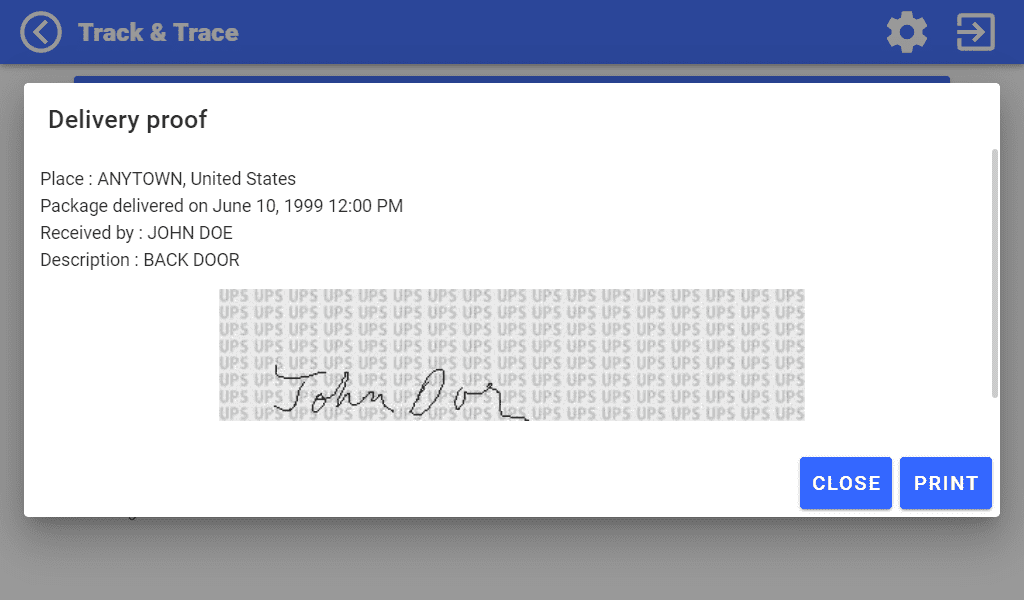
Illustration of the application's delivery proof interface


Get confirmation

If your consumables have already been delivered, you can receive visual proof of delivery.


The Xerox Supplies Tracker application supports contract accounts, i.e. PagePack and automatic supplies replenishment, and supplies purchased directly from Xerox via the Xerox Store.


Supported countries

Austria, Belgium, Denmark, Finland, France, Germany, Italy, Netherlands, Norway, Portugal, Spain, Sweden, Switzerland, and the United Kingdom.


Supported languages

Danish, Dutch, English, Finnish, French, German, Italian, Norwegian, Portuguese, Spanish and Swedish.


Your professional assistant is ready and waiting for your instructions

Quelle que soit la taille de votre entreprise, vous pouvez optimiser les flux de travail et maîtriser les processus complexes grâce aux périphériques et applications compatibles avec la technologie Xerox® ConnectKey®.


Links

View in app gallery


Visit app gallery


Open Bee Connect

in

Scan to the Open Bee document management system


Smiling men and women in a meeting


The Open Bee Connect application


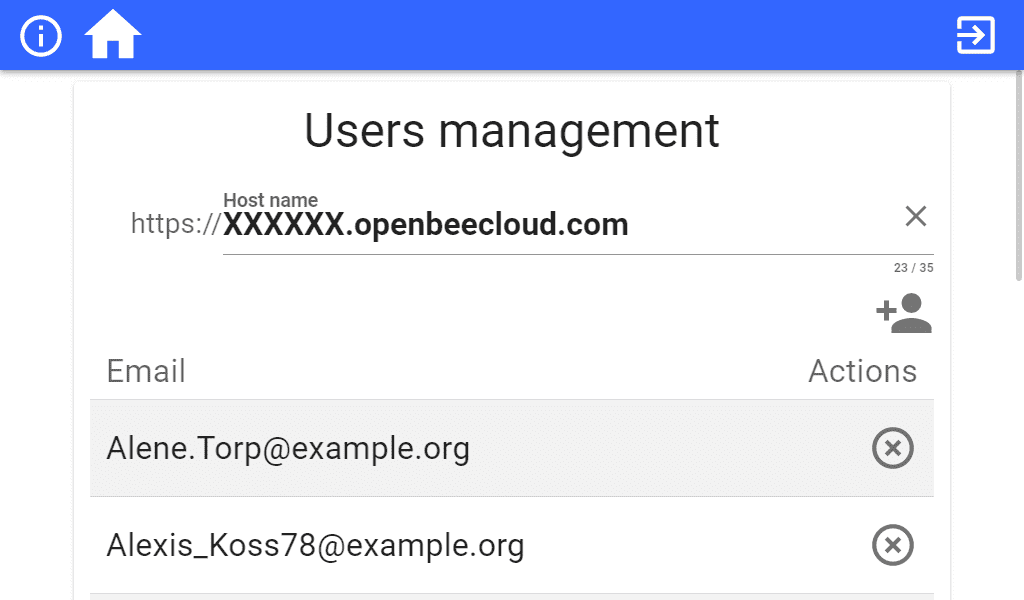
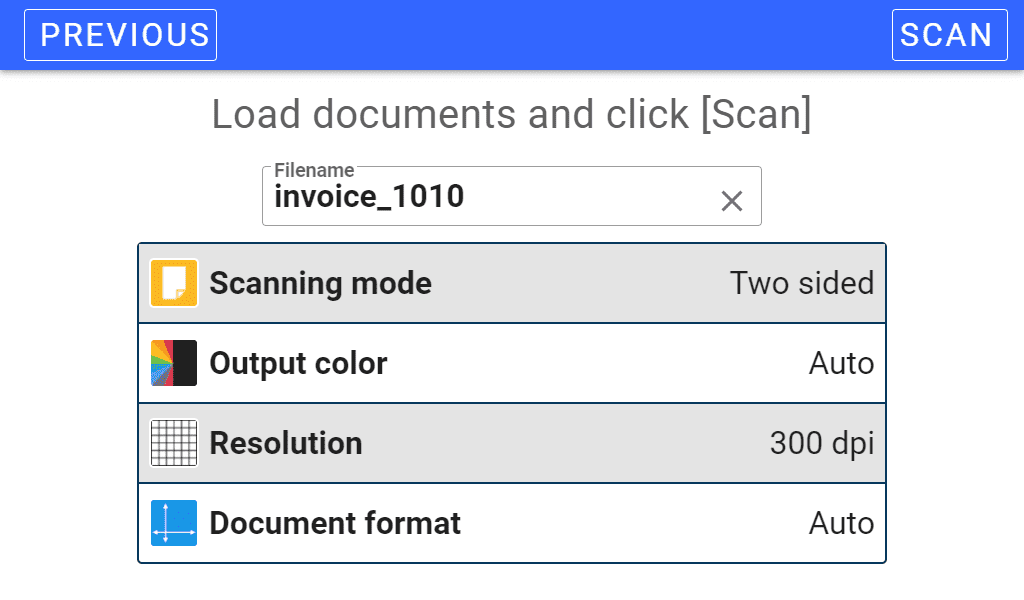
The Open Bee Connect application allows you to send a document from your Xerox multifunction device to your Open Bee account.

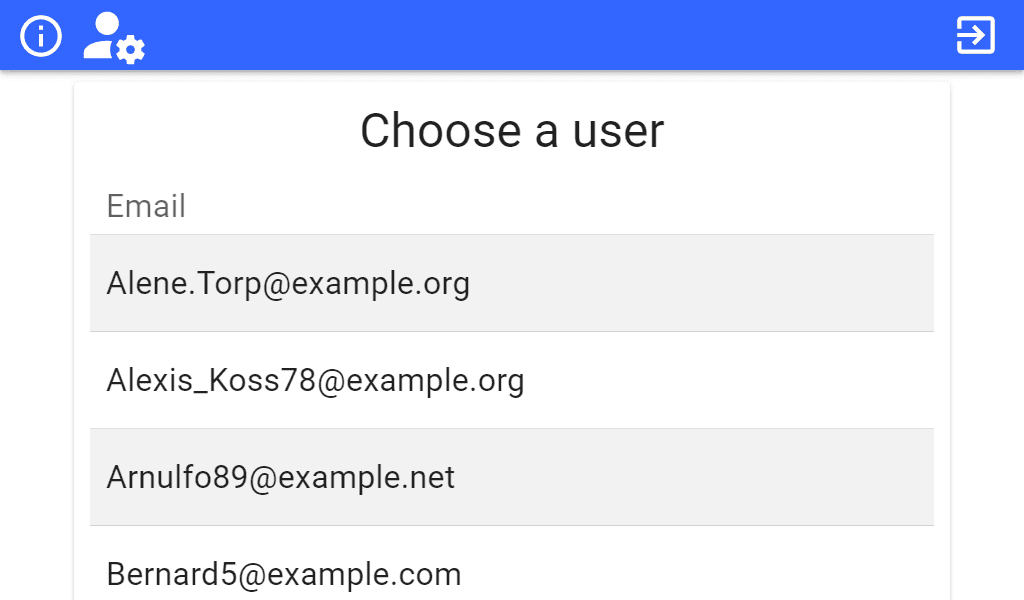
Choose your user from a list, enter your 4-digit code and scan directly into the Open Bee document management system, deployed locally or in the cloud.


Links

VIEW IN APP GALLERY


VISIT APP GALLERY


My Digital Registered Letter

in

Reliable, fast, cost-effective and eco-friendly


Smiling woman working at a computer and mobile phone next to a Xerox printer


My Digital Registered Letter application

My Digital Registered Letter is a service that allows you to send eIDAS standard electronic registered letters directly from your Xerox multifunction.


The user site

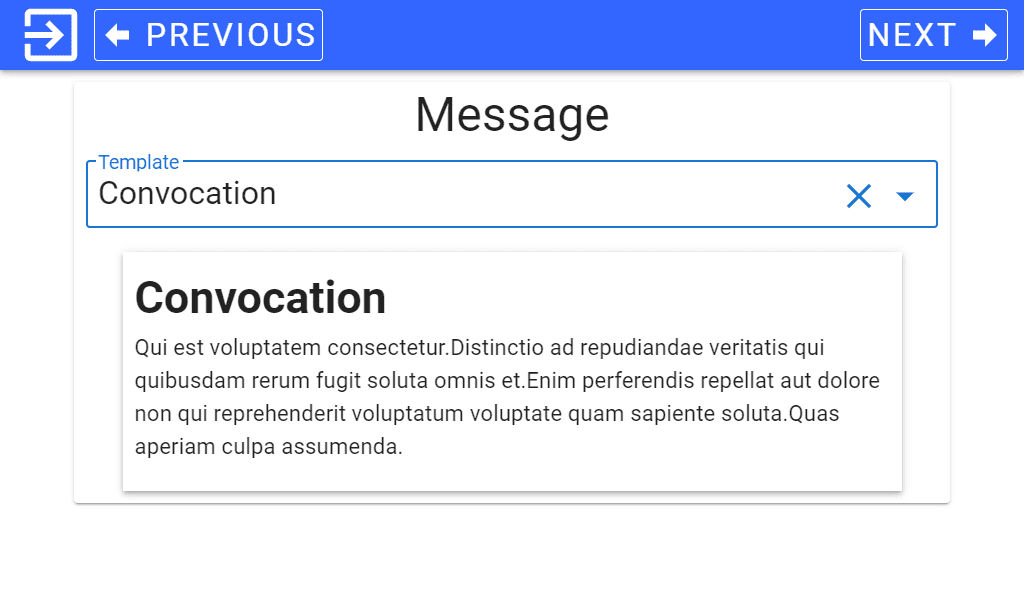
From your personal My Digital Registered Letter area you will be able to manage your address book, your groups of recipients as well as your letter templates.


The application on your Xerox multifunction device


The My Digital Registered Letter application allows you to send an electronic registered letter directly from your Xerox multifunction.

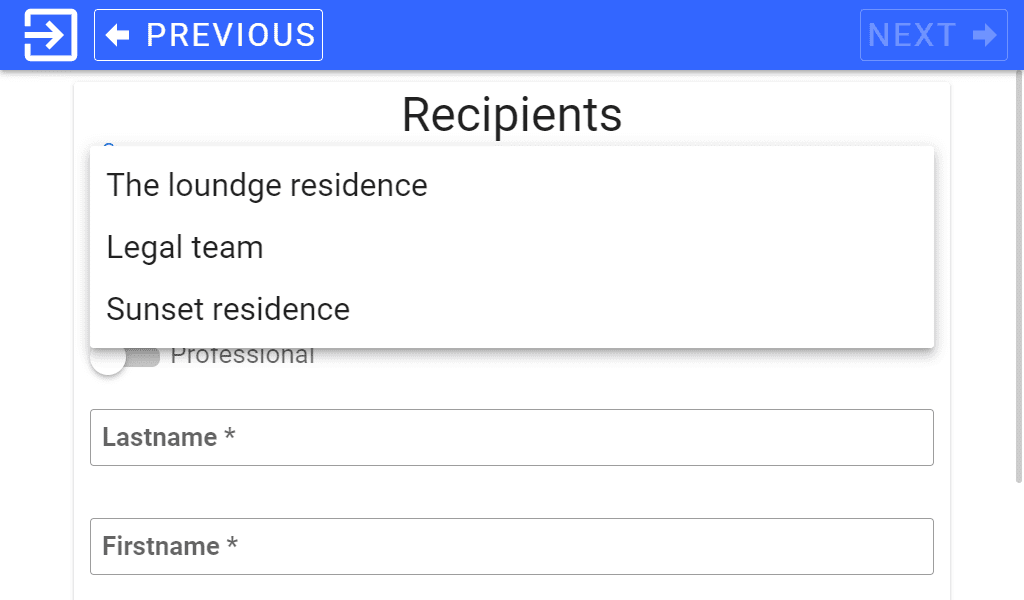
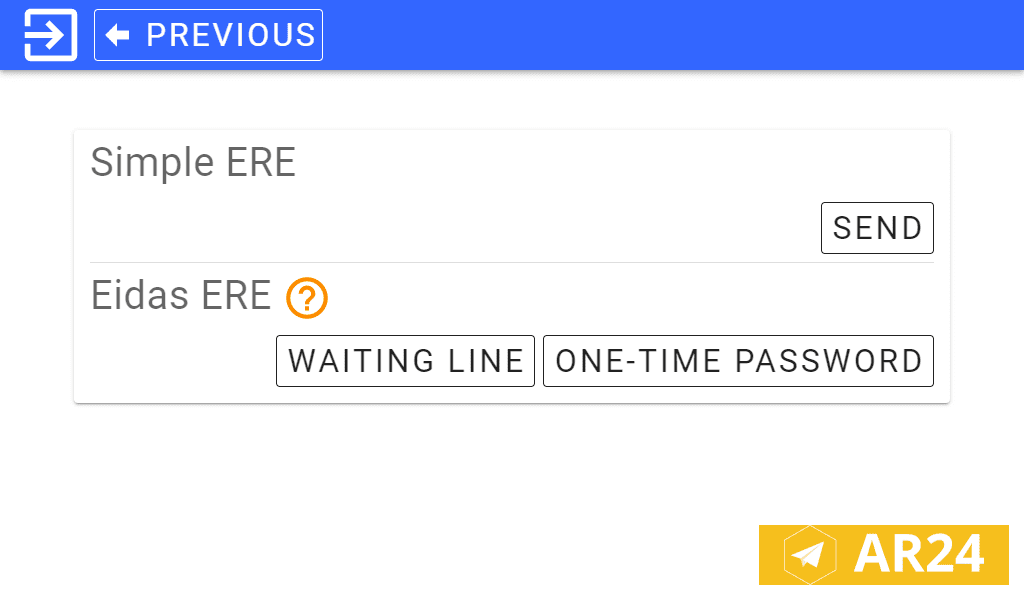
Insert your documents into the document feeder, scan, choose the recipients and the text that will accompany the documents and finally confirm sending.


TRY A DEMO VERSION


Electronic Register Mail

The Electronic Registered Mail, or ERM, is the digital substitute for registered postal mail recognized by French law.

A 100% digital ERM can be sent from the Internet to an email address.


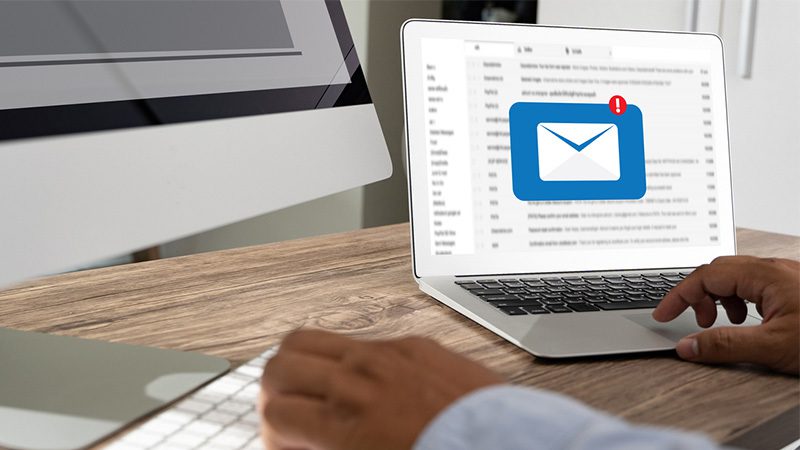
Computer screen open on mailbox with notification


The electronic registered letter allows you to benefit from various advantages:

  • proof of letter content
  • time savings with a faster, reliable service (no queues to send and instant delivery)
  • lower cost, 2 to 5 times cheaper than a paper registered letter
  • eco-friendly


The eIDAS qualification provides additional guarantees regarding the identification of senders and recipients.


Our AR24 partner

You will need an active AR24 account to use our service

AR24 is the first eIDAS qualified e-mail registered service in France.


Links

VIEW IN APP GALLERY


VISIT APP GALLERY


Related Videos

Track & Trace

in

Simplify the tracking of your consumables deliveries


Delivery of customer consumables


Track & Trace application


With Track and Trace, in a single click, track the delivery progress of the consumables for your Xerox solution. Within seconds, you will see on your MFP screen what stage your consumables are at and their expected delivery date.

If the items have already been delivered, you will be able to visualize proof of delivery.

No need for a PC or access to a web portal anymore! This solution works whether it is an ASR, manual or MPS solution order.


Links

VIEW IN APP GALLERY


VISIT XEROX APP GALLERY


Related Videos

Ecobox

in

Simplify your life and protect the planet


Sunny green forest


Ecobox Europe by TBC

Use the Xerox recycling programs to protect the planet.

Ecobox Europe gives you access to the Ecobox and the Single Item Return programs.


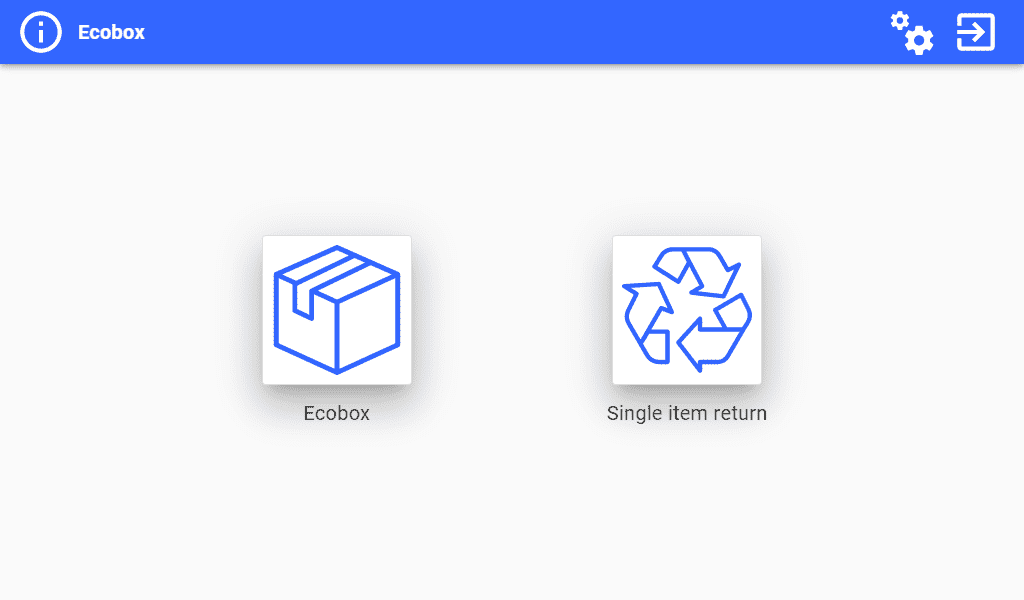
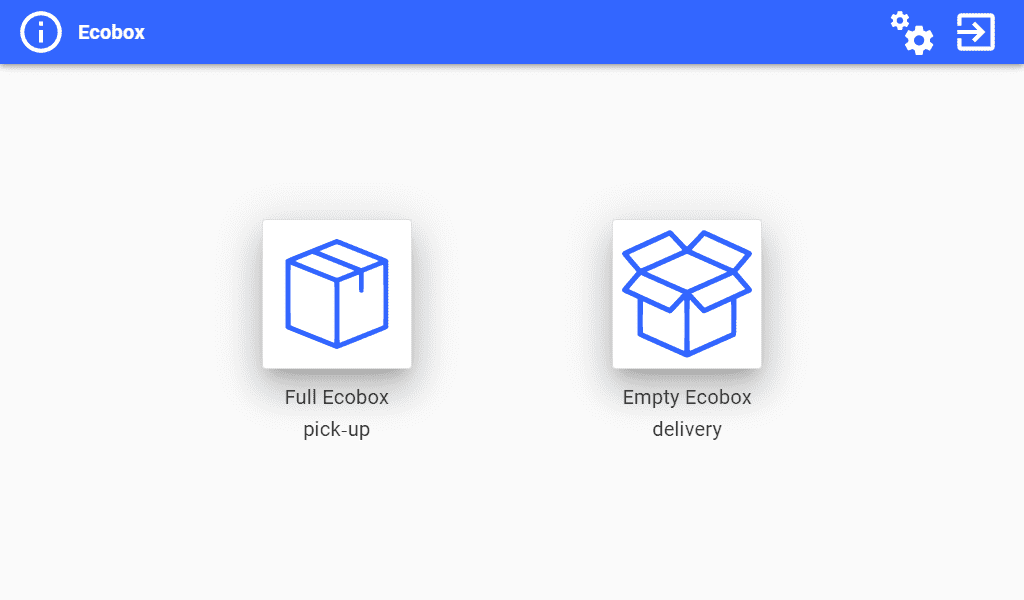
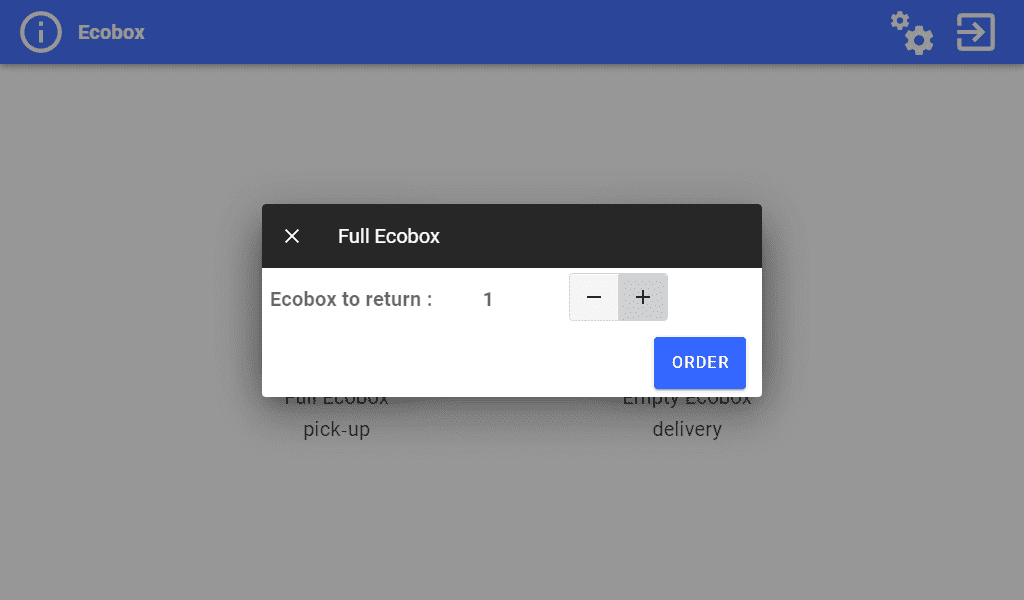
Ecobox configuration screen Withdrawal and order


Ecobox: how does it work ?

The Ecobox is a cardboard box used to recover used Xerox consumables. It can contain up to 15 items.

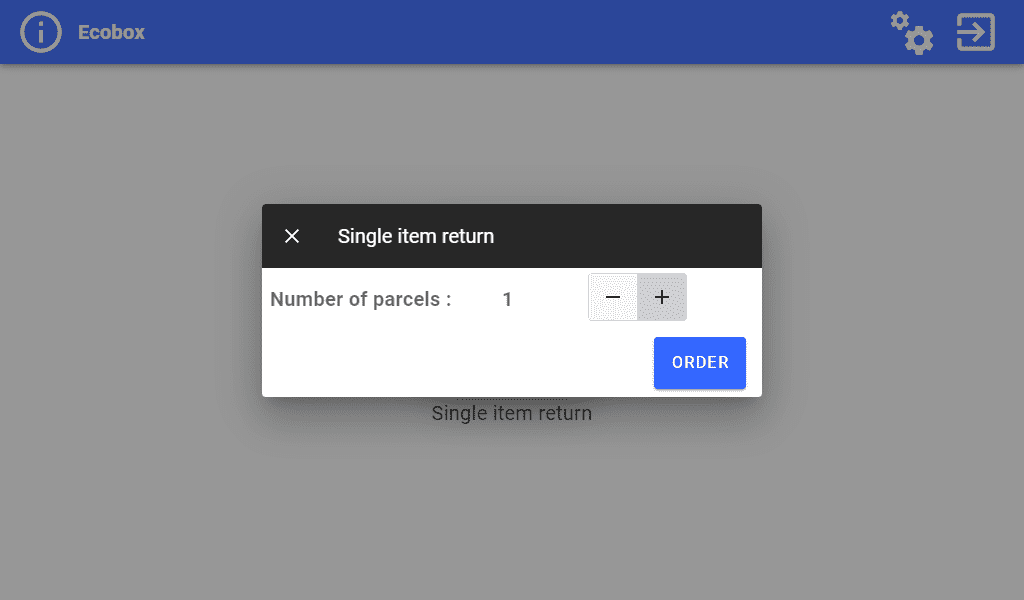
Ecobox Europe allows you to order empty Ecoboxes directly from the touchscreen of your Xerox device.

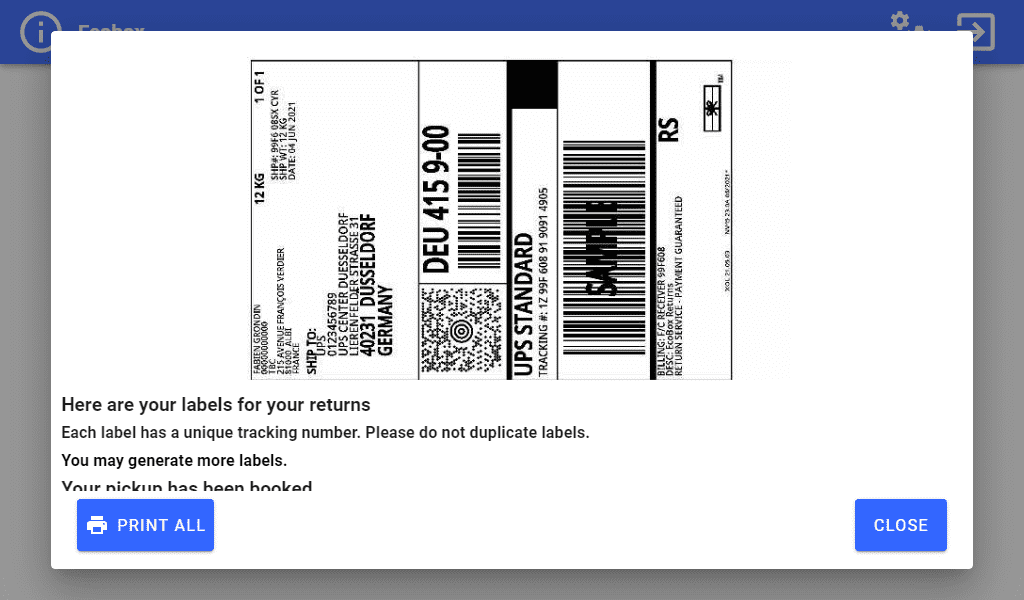
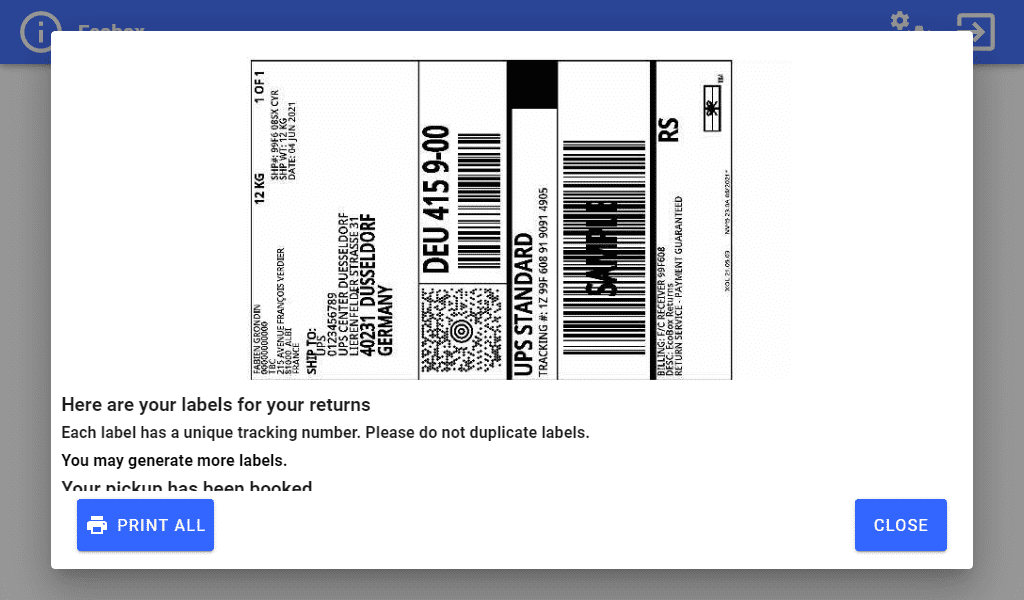
Once the Ecoboxes are filled and sealed, the App allows you to download and print the ready-to-use labels to stick on them. They are then ready to be collected by a transporter and recycled.


Single Item Return: how does it work ?

To return smaller packages containing 1 to 5 items to be recycled, choose the Single Item Return program.

Simply use the touchscreen of your Xerox device to download and print up to 5 ready-to-use labels then stick them onto the packages.

The packages are then ready to be taken to the nearest accredited transporter where they will be transported to the Xerox sorting centre.


Links

VIEW IN APP GALLERY


VISIT APP GALLERY


Related Videos

Xerox® Translate and Print App

in

Eliminate language barriers. Instantly.


Woman using printer


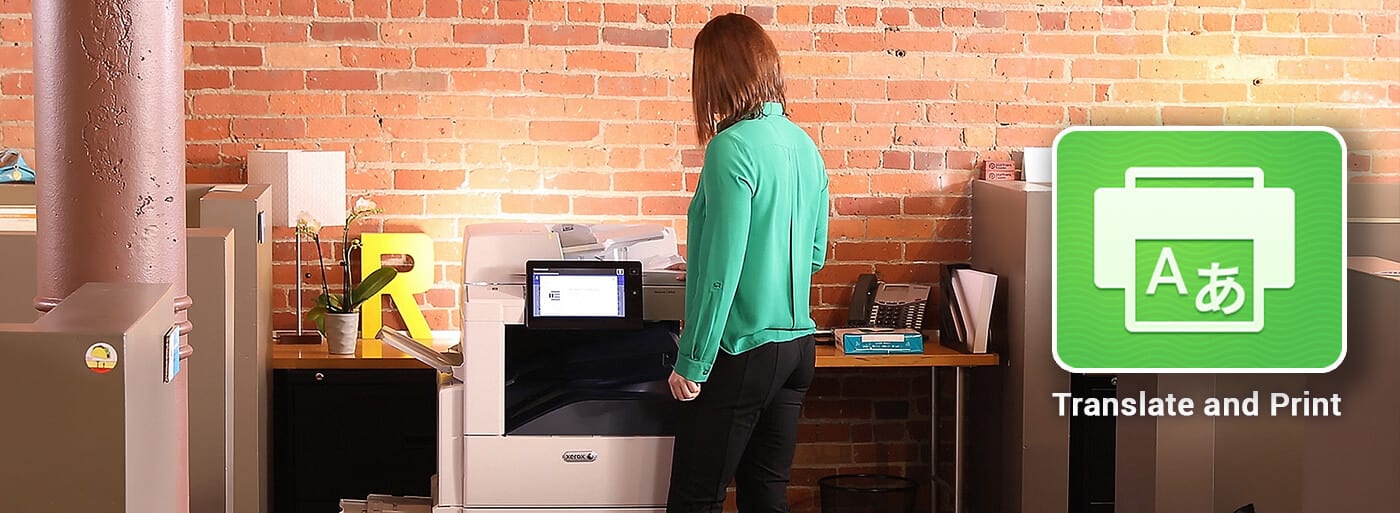
With this app on your Xerox® ConnectKey® Technology-enabled multifunction printer (MFP), you just walk up, scan your document in and print it out in the language of your choice.


One language in. Another out.

Icon scan document

Scan your document


Icon printer printing

Translate instantly


Icon stack paper

Print


A faster, easier way to translate — and retain original layout.

This app uses state-of-the-art technology to deliver instant translations. Simply scan your hard copy document and receive a translation in your choice of 44 languages.


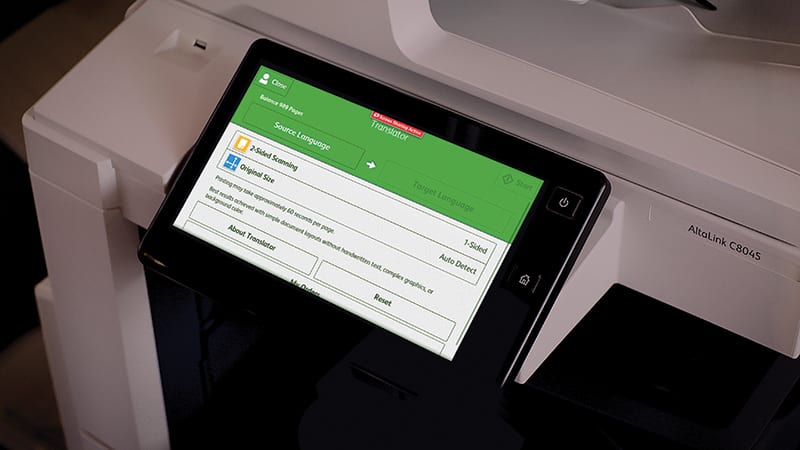
Front panel display printer


Easy Access

Just choose your original and target languages, then scan.


Coworkers reviewing print-outs


Instant results

Get immediate results in the original layout.


Coworkers discussing printed chart sheet


Better engagement

Break down the communication barrier to make a more meaningful connection with your audience.


Your workplace assistant is ready and waiting.

Streamline workflows and tame complex processes in any education or office setting with Xerox ConnectKey Technology-enabled devices and apps for your workplace assistant.


Links

View in App Gallery


Visit App Gallery


Xerox® DocuShare® Go

in
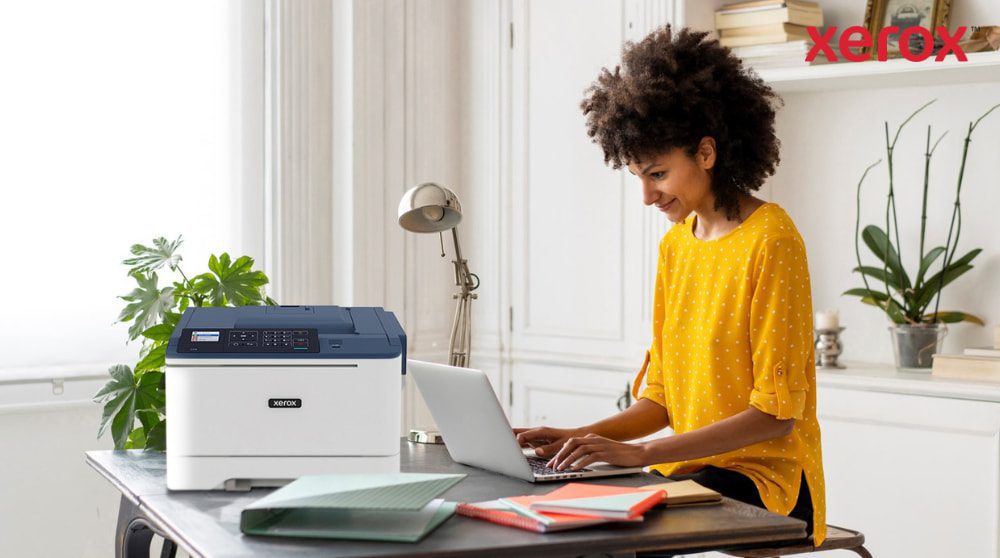
A person with curly hair is smiling while typing on a laptop at a desk, with a compact Xerox C310 printer positioned next to the laptop, showcasing a modern home office setup for productivity.


AI-Powered Document Management for modern teams


Designed for the needs of today’s business world, the Xerox® DocuShare® Go platform allows you to easily capture, manage, and automate essential document workflows, so you can focus on what matters most: your business.


Built-in Intelligent Capture


AI-Powered Advanced Extraction


Manage / AI Summarisation / Natural Language Search


Automate Essential Workflows


Access / Share / Collaborate


Secure Storage / Archival


Why choose Xerox® DocuShare® Go?


  • Automate document capture and classification effortlessly.
  • Extract and summarise key data to make faster, smarter decisions.
  • Streamline workflows and eliminate repetitive tasks.
  • Smart filing: AI-based classification of documents, no manual effort.
  • Collaborate and share securely across teams and locations.
  • Find content instantly using natural language—no tech expertise needed.
  • 100% cloud: access content from any device, no servers or maintenance needed.


Powerful tools to simplify your document management


A person's hand is on a computer mouse, with abstract glowing icons related to communication, AI, and data processing floating above the keyboard, representing intelligent document functionalities.


  • Built-in Intelligent capture & advanced extraction: scan, upload, or drag and drop your documents from any source – scan via, DocuShare Go ConnectKey app, email or mobile device. All your content is automatically centralised in a secure library.
  • Document Summarisation: automatically extracts and highlights key points from your documents, for users to quickly grasp main ideas.
  • AI Advanced semantic search: instantly find the information you need, ask a question, and find all related content, beyond keyword searches. No more digging through emails.
  • Workflow automation: easily create essential workflows for tasks such as invoice validation, approval requests or contract tracking. Once set up, steps are triggered automatically to keep documents moving.


How does it work?


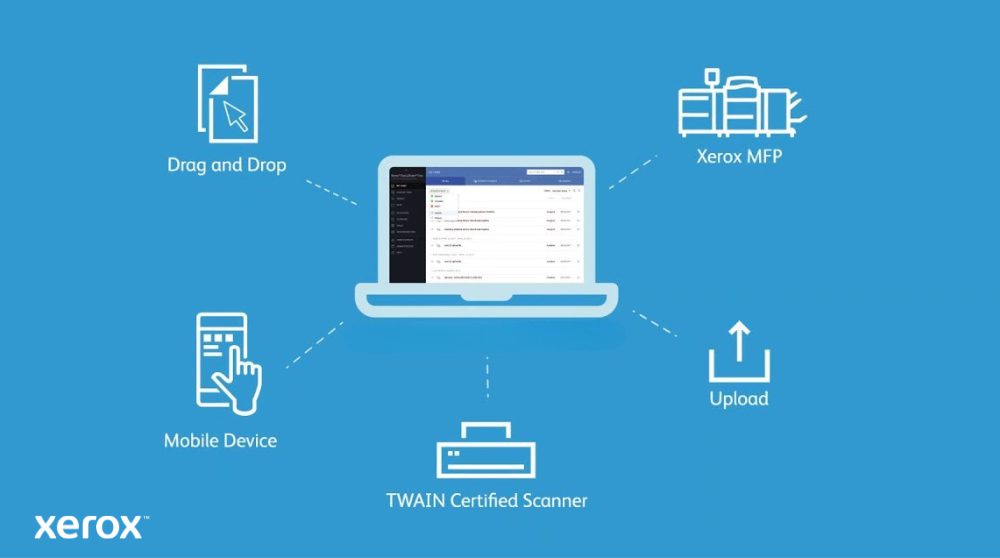
A diagram showing a laptop at the center connected to various input methods: 'Drag and Drop' from a document icon, 'Mobile Device', 'TWAIN Certified Scanner', 'Upload', and a 'Xerox MFP', illustrating diverse ways to get documents into DocuShare Go.


  1. Log in from any device: access the platform via your web browser — from a computer, smartphone, or directly from a Xerox® ConnectKey®-enabled multifunction device.
  2. Capture and import your documents: drag and drop digital files or scan your paper documents.
  3. Let the AI do the work: artificial intelligence analyses and automatically classifies your documents using tags, indexing, and even handwriting recognition.
  4. Collaborate efficiently: comment, discuss, assign tasks and track progress in real time.
  5. Share and access your documents: securely, from any device, anytime.


For whom? Which use cases?


A person is sitting at a kitchen table, focused on working on a laptop, with papers and a calculator nearby, illustrating the flexibility of working from home with efficient document management.


DocuShare® Go is designed for agile teams that need to manage content efficiently — without infrastructure, without a dedicated IT team, and with simple, collaborative processes.


  • Admin Managers: centralise invoices, contracts, and quotes — all in one click, always accessible.
  • Project Leads: share, comment, and track progress with built-in version control.
  • Small Business / Team Leads: access documents anytime, anywhere — no VPN or setup required.
  • HR Teams: manage employee files and approvals in a secure, intuitive space.
  • AP Teams: streamline invoice review and approval with AI-powered automation.


Compatibility & Integration


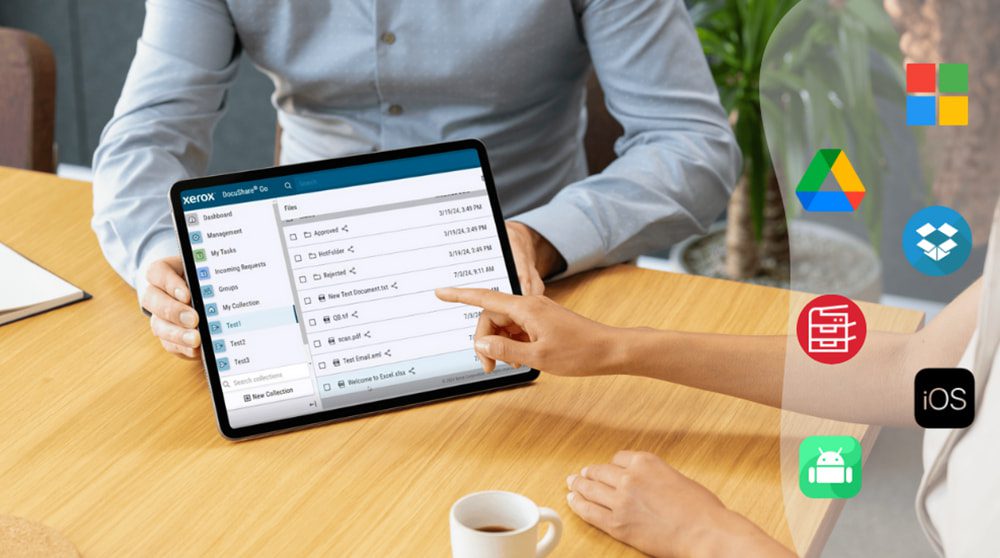
A hand holding a tablet is interacting with a Xerox multifunction printer's touchscreen, displaying various icons including mobile and cloud storage logos, symbolizing broad compatibility and seamless integration with Xerox DocuShare Go.


Compatible with leading business environments:


Related Videos

Related Documents

Xerox DocuShare Go Capability Brochure

ConnectKey for DocuShare Go Brochure

Xerox DocuShare Go - Essential ECM for SMBs & Departmental Brief

Xerox® Managed Print Services

in
Two professionals walking and talking in a modern office


Increase visibility and better decision-making across your entire network of devices with MPS


Contact us to speak to our experts, download our brochures or request pricing.


Build a better work experience

Let us help you design and manage a high-performing workplace. Xerox® Managed Print Services uses comprehensive security, analytics, digitisation and cloud technologies, and software to deliver a more seamless work experience across paper and digital platforms.

Xerox’s core set of Managed Print Services (MPS), including workplace assessments, device management, and print management, are complemented with digital transformation capabilities.

Start with Xerox® MPS and create a more agile, future-ready workplace. Read the Xerox® Managed Print Services brochure to learn more.


Comprehensive security for a flexible workforce


A woman at her desk, engaged with a computer and laptop, demonstrating productivity in a modern workspace.


Global cybercrime costs are expected to grow to US$10.5 trillion annually by 2025 as security threats become increasingly sophisticated.

With the all-inclusive security technologies built into Xerox® Managed Print Services and ConnectKey® Technology, you can:

  • Keep your devices up-to-date and compliant with automatic monitoring and remediation
  • Make sure authorised users are the only ones who can print documents
  • Receive an alert whenever sensitive data is disclosed


From policy management to device protection and everything in between, no other solution does more to keep your business safe.


The smart way to go greener


A man is seated on a bench, using his laptop, while his bicycle is parked next to him in a peaceful environment.


Increase the sustainability and profitability of your business. Here are a few reasons why, together with Xerox, we can be the ones to help.

Sustainability leader: Were recognized by Forbes, IDC, Quocirca, Newsweek and more for our efforts.

Innovation-focused: Xerox’s sights are set on improving how work gets done today and into the future.

End-to-end management: Together with Xerox, we have expertise and services across the document ecosystem.

Sustainability is Xeroxs priority: From innovating new technology to using cleaner processes for manufacturing and beyond.


Lets make boosting productivity easier


A woman stands before a group, confidently presenting her topic and interacting with the audience during the session.


Digitisation solutions ranging from simple apps to full-scale process automation and content management systems can help you:

  • Optimise and automate processes for seamless collaboration and increased productivity
  • Automate manual processes to save time and lower costs
  • Enhance team collaboration with access to content from anywhere, anytime
  • Speed decisions by making data more accessible
  • Reduce errors and improve compliance through auditable workflows


Download the Xerox® Managed Print Services Productivity brochure to learn more.


Related Videos

Xerox® Note Converter App

in

Bring your notes to life with Xerox® Note Converter App.


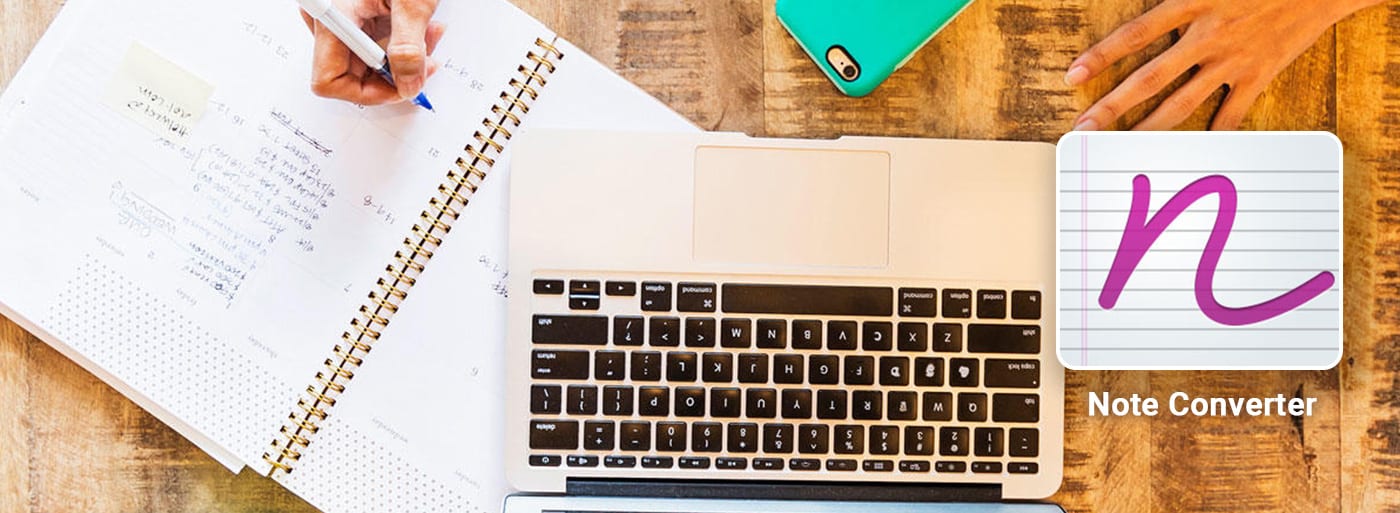
Note converter main picto


Tap into the full potential of your handwritten notes. Optical character recognition (OCR) with Google AI technology is able to automatically recognise many handwriting styles. So you can save time converting your notes to digital files and get important information into the hands of your team, fast.


Men reviewing paperwork


Take notes

Write your notes in a notebook or on a sheet of paper.


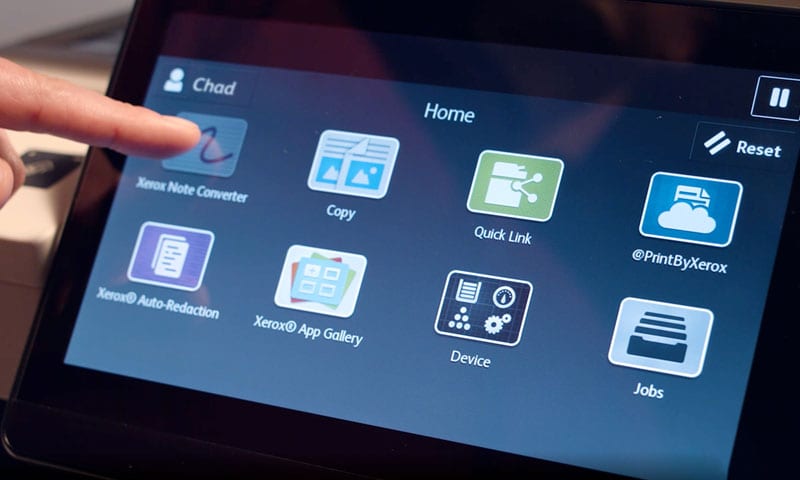
Printer screen note converter app


Open the app, scan and convert

Open the app, convert your handwritten notes to txt files and email them to yourself.


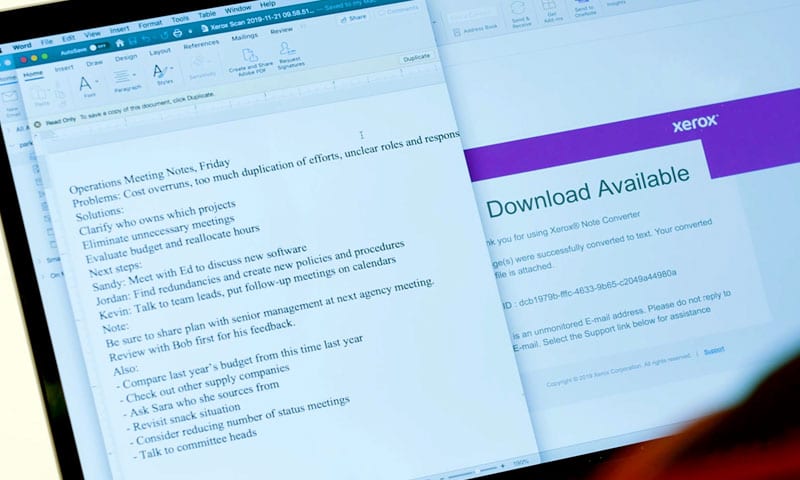
Tablet screen note converter app


Edit and share

Edit your notes and share with your team.


Your workplace assistant is ready and waiting.

Streamline workflows and tame complex processes in any office setting with Xerox ConnectKey Technology-enabled devices and apps for your workplace assistant. Xerox Note Converter App is ideal for use in all industries including, education, government, healthcare, hospitality, human resources, law, manufacturing and retail.


Links

View in App Gallery


Visit App Gallery


Related Videos

Xerox® Technology and Services

in
A woman at a desk, utilizing a laptop, demonstrating concentration and productivity.


Discover how together with Xerox: We make work, work


Buying a printer can be complex – let us help you make a decision.

Contact us to speak to our experts, download our brochures or request pricing.


Choosing a printer can be complex. Let us help you make the right decision

Whether your team is working remotely from home, or from the office, or a combination of both, you need a printer that adapts to your business needs and to your team.

Finding the right printer isn’t an easy task. Here are some questions you may ask yourself:

  • Do you need a mono or color printer?
  • Which is better for you, single function or multi-function?
  • How much printing will I be doing?


To make this easier, we have put together a guide to help you choose the best printer.


Financing solutions for renting, leasing or buying printers

Are you interested in renting, leasing or buying a printer? Our team of experts is here to help support your financial decisions so you can focus on what matters most: growing your business. We work closely with Xerox® Financial Services to provide personalised financial packages, tailor-made for your business.

  • Payment plans that suit you
  • Hassle-free billing and invoicing options
  • Ongoing local support from experts

Contact us today and join the growing number of businesses that are saving time and money with our smart financing options.


Xerox® Multifunction Printers.
The right fit.


Find seamless efficiencies that work best for your small, midsize or large business.


The Workplace Assistant for small and medium workgroups, powered by our cutting edge ConnectKey® technology.

(S/M)


Xerox® VersaLink® C7100 Series, colour multifunction printer front view


The Workplace Assistant for medium and large workgroups, powered by our cutting edge ConnectKey® technology.

(M/L)


Xerox® AltaLink® C8200 Series Colour Multifunction Printer


The Entry Production printer with unmatched application flexibility and unsurpassed image quality

(L/XL)


Xerox® PrimeLink® C9200 Series Printer


Xerox® Managed Print Services.
Prevent. Detect. Protect.


With cyberthreats and information leaks on the rise, proactive security strategies are the only thing standing between you and a potential data breach.


We provide a set of core Managed Print Services (MPS) capabilities, including workplace assessments and print management, as well as digital transformation capabilities.


A group of young professionals are gathered in a modern office, engaged in a discussion around a table with laptops and documents, illustrating collaborative work and idea sharing.


Together with Xerox®: We make work, work.
What can we do for you?


Security for people who dont want to lose sleep over security.

Challenge: Your people arent wired for 24/7 data security. They just want to get on with their day. Security processes that get in the way often get overlooked. Or even simply ignored.

How we solve it: By preventing, detecting, and protecting against threats to your sensitive documents, devices, and data. From safeguarding your files to securing your print infrastructure, together with Xerox, we make it easy for your people to stay secure, so they hardly need to think about it.


Find the right information without searching through piles of documents.

Challenge: Business information is too often locked away, hard to reach, or buried in an ageing filing system. It becomes increasingly difficult for people to find the data and knowledge they need and share it securely.

How we solve it: Saving time and improving accuracy. From automated filing systems to AI-powered document processing and everything in between. Finding key information takes secondsnot hours.


We work where you work.

Challenge: Whether youre in the office, at an offsite meeting, or working from home, you need the right tools to avoid repetitive mundane tasks to help you stay connected and productive.

How we solve it: By making it easier for people to do great work wherever they happen to be working. From the information you need at home to the equipment and cloud-based services you use in the office, and everything in between.

Related Videos

Productivity from anywhere

in
A group of seven people sit together, conversing and working on laptops with a city backdrop


Discover how Xerox can help you in your digital transformation journey in five different ways


After the reactive decision-making of recent years, companies need to consider whether the digital infrastructure they have in place today will support the long-term business goals of tomorrow.

We know that every organisation functions differently and, through our partnership with Xerox, we work with you to create solutions aligned with your individual challenges to reap the benefits and meet the needs of a flexible working environment.


Five ways we can help you

  • Inflexible security in a flexible environment
  • Making workflows work for you
  • Work well, wherever you are
  • Ready to face day-to-day challenges
  • Sustainability how we should all be doing business


No matter which of these brings challenges to your organisation talk to us about solutions that are aligned with your needs. As an authorised Xerox Partner we work with Xerox to design and deliver the right tools, technology and services that help you succeed in each of these five key areas.

Talk to one of our experts about your digital transformation journey.


A man diligently working on his laptop in a bustling cafe, immersed in his tasks amidst a lively environment.


1. Inflexible security in a flexible environment

With more employees working remotely, exposure to cyberattacks grows larger every day. Leveraging a portfolio of services and solutions covering print, scan, content and processes, these are all designed to support a hybrid workforce and enable zero-trust security.

Check out the Quocirca Print Security Landscape, 2022 report, where Xerox are named a leader offering a cohesive security strategy for the hybrid workforce.


Hands typing on a laptop with digital icons symbolizing AI and data analytics overlayed.


2. Making workflows work for you

A successful organisation needs streamlined processes for maximum efficiency. This could mean automating individual core tasks, or even moving to a whole new way of working. This Automation eBook examines how your workflow automation journey can be made easier and work for you.


Visual representation of Xerox's updated business strategy, highlighting key innovations and strategic initiatives for success


3. Work well, wherever you are

Cloud-based technology can help people be as productive when they are on the go or working at home, as they are in the office. Take a look at the Flexible Working eBook to see the five areas for powering a flexible, productive workforce. For a glimpse at how one busy life can be made easier, watch the video.


4. Ready to face day-to-day challenges

Important yet lengthy reports that are much longer than your lunch hour. Handwritten notes that are hard to read and not clear enough to share. Files in an unusable format or unreadable language. The list goes on and on.

Dont let them slow you down, stealing precious time away from your day and preventing you focusing on what matters most.

The Xerox® Workflow Central Platform takes the hassle out of dealing with these challenges, giving you unstoppable productivity wherever work happens


Reflection of trees visible in the glass facade of a modern building, creating a harmonious blend of nature and architecture.


5. Sustainability: how we should all be doing business

Xerox carry their ethos as a sustainable company into what they offer customers. Xerox print devices and print management mean saved energy and paper and by digitizing your document-intensive processes, your business can be more efficient too.


Managed Print Services

Find out how the comprehensive security built into Xerox® Managed Print Services and ConnectKey® Technology-enabled devices can help you prevent, detect and protect your physical and digital endpoints from cyberthreats and information leaks.

Print Management

Xerox comprehensive print management solution,Workplace Solutions, helps connect your team’s technology seamlessly—while providing the security, access control, and usage tracking that organisations need.

DocuShare® Go

Securely digitise, collaborate, store, and manage critical information, protecting sensitive data and minimising your organisation’s risk with user-based access, and auditable tracking with Xerox® DocuShare® Go

ConnectKey apps

See our collection of easily downloadable apps that expand and customise the capabilities of your Xerox® ConnectKey® Technology–equipped MFP or printer, each of which can simplify or automate tasks in a way that saves your business time and money.

Managed Print Services

Xerox® Managed Print Services uses comprehensive security, analytics, digitisation, and cloud technologies to deliver a more seamless work experience across paper and digital platforms improving productivity and the employee experience in the office and on the go.

Workflow Central

Xerox® Workflow Central Platform brings the power to overcome everyday document challenges to all of your devices — from any PC, mobile device and Xerox® Multifunction Printers. It takes the hassle out of converting files into usable, actionable formats.

DocuShare® Go

Regardless of format or the amount of information required from it, you need a content management platform that automates how you organise, share, collaborate and back up your business-critical content. That’s why Xerox developed the Xerox® DocuShare® Go content management platform.

Workflow Central

Xerox® Workflow Central Platform brings unstoppable productivity wherever work happens. Working from any PC, mobile device and Xerox® Multifunction Printers, it takes the hassle out of converting files into usable, actionable formats with seamless, secure, 24/7 access.

Managed Print Services

Create a better workplace for an evolving and mobile workforce. Xerox® Managed Print Services can identify opportunities to automate processes to improve productivity and the employee experience in the office and on the go.

Print Management

No matter where your team is working, they need an easy way to connect and access your company’s printer and services. Xerox print management solution, Workplace Solutions, connects them effortlessly, all the while giving you control of user access, with complete visibility of document usage and content.

DocuShare® Go

When your company’s digital files are on Xerox® DocuShare® Go, wherever they are located, your staff can access the documents, images, layouts and presentations they need to collaborate, make informed decisions and get things done.

ConnectKey Apps

See our collection of easily downloadable apps that expand and customise the capabilities of your Xerox® ConnectKey® Technology–equipped MFP or printer, each of which can simplify or automate tasks in a way that saves your business time and money.

Managed Print Services

Xerox® Managed Print Services helps you build a more efficient workplace for the future with reduced costs, optimised print and document infrastructure, improved metrics, and stronger ROI.

Workflow Central

Everyday document challenges can get in the way of getting work done and bring you to a standstill. Location, language, lack of time, file type, device, and other common challenges no longer become a barrier to doing your job with Xerox® Workflow Central Platform taking the hassle out of converting files into usable, actionable formats.

DocuShare® Go

Stop moving at the speed of paper. With the Xerox® DocuShare® Go, you can accelerate and simplify business decisions by using real-time always on, document collaboration and version control.

ConnectKey Apps

Businesses evolve, so the easily downloadable apps you need today—say, a translation tool or scanning capability—may be different from the ones you need next year. That’s where the Xerox App Gallery comes in, providing a collection of easily downloadable apps that are a gateway to expanding and customising the capabilities of your MFP or Xerox® ConnectKey® Technology–equipped printer.

Managed Print Services

Xerox® Managed Print Services brings you a more sustainable workplace. It starts with device management to assess and optimise your resources, and on to print management and content management to increase productivity and lower costs. Xerox reforestation program is also a great way to return trees to the forests.

Sustainability

Xerox comprehensive print management solution, Workplace Solutions, helps connect your teams technology seamlesslywhile providing the security, access control and visibility of document usage that enables efficient printing and usage control to support your sustainability goals.

DocuShare® Go

With Xerox® DocuShare® Go, your staff can access the documents they need to collaborate, make informed decisions and get things done, and with robust tools to automate processes and support digital transformation, you reduce your reliance on paper.

ConnectKey apps

Paper-based processes still exist for many of us. Using your Xerox® ConnectKey® Technology-enabled printer or MFP driven by app technology to simplify, automate or even remove some of these processes helps to reduce reliance on paper as well as lowers costs and improves productivity.

Related Videos

Learn more about the Xerox ecosystem

Xerox® ConnectKey® technology

in
A person is happily looking at their smartphone while sitting at a desk with a laptop. A Xerox VersaLink B605 multifunction printer is visible next to the desk in a brightly lit office space.


Turn your printer into a productivity assistant


A printer is no longer just for printing. With Xerox® ConnectKey® technology, it becomes a true workplace assistant — designed to support your teams in an increasingly mobile, connected and demanding environment.

ConnectKey® offers an intuitive interface, built-in mobile and cloud connectivity, advanced security, and direct access to business applications. It enables you to print, scan, share, translate or store documents — all from a single, central platform.

Designed for businesses of all sizes, ConnectKey® simplifies document task management, reduces friction, and streamlines information flows — whether you’re in the office or working remotely.


Why choose ConnectKey® technology?


  • A consistent user experience across your entire fleet: unified, intuitive and customisable touchscreen interface, regardless of the printer model.
  • A concrete response to digital transformation: ConnectKey® supports the evolution of working methods — on-site, remote or hybrid — by simplifying access to information and streamlining document workflows.
  • A tool designed for productivity and mobility: access files from the cloud, print and scan on the go, automate tasks — enabling your teams to work from anywhere.
  • A tailored ecosystem of professional apps: with the Xerox App Gallery, each user can enhance their work experience with business-specific apps that match their individual needs.


Key features


A close-up of a person's hand holding a smartphone, which is wirelessly connected to the touchscreen control panel of a Xerox multifunction printer, showcasing the seamless mobile printing and scanning capabilities of Xerox ConnectKey.


  • Intuitive User Experience: tablet-like interface across all devices. Swipe, tap, and personalise workflows for faster, simpler tasks.
  • Mobile and Cloud Ready: print, scan, and share anywhere with secure access to Google Drive™, OneDrive™, Dropbox™, plus AirPrint®, Mopria®, NFC, and Wi-Fi Direct™.
  • Comprehensive Security: four-layer protection to prevent, detect, and safeguard data, devices, and documents — backed by Cisco and Trellix.
  • Enables Managed Print Services: optimise printing with analytics and governance. Cut costs, boost productivity, and support sustainability goals.
  • Gateway to New Possibilities: expand with Xerox App Gallery and Workflow Central. From AI tools to e-signature and redaction, discover smarter ways to work.


How does it work?


A person stands next to a Xerox VersaLink B605 multifunction printer, looking at and interacting with a tablet device, illustrating how ConnectKey enables mobile interaction with the printer.


  1. Choose a compatible model tailored to your environment.
    Xerox® VersaLink®: ideal for small to medium-sized teams, easy to deploy with no need for IT support.
    Xerox® AltaLink®: designed for more demanding workgroups, with advanced features, enhanced security and high scalability.
  2. Connect your device to the network and the cloud.
  3. Customise your interface with the apps relevant to your activity.
  4. Print, scan and share your documents from any device.
  5. Manage your usage, costs and permissions remotely.
  6. Easily secure your devices, data and documents using integrated features and preconfigured security templates.


Security


A person's hand is typing on a laptop keyboard, with glowing digital lock and binary code icons superimposed over the image, symbolizing robust cyber security and data protection.


Xerox® ConnectKey® technology offers comprehensive protection and robust security


  • Prevent unauthorised access with local and network authentication methods, including badge and PIN credentials, as well as multi-factor authentication.
  • Detect and defend against threats using Trellix Allowlisting and Cisco network protection to monitor for malicious activity and unauthorised system changes.
  • Protect sensitive data and documents through encryption of both storage media and print streams.
  • Maintain the highest security standards through industry certifications and strategic partnerships with leading security providers.


Related Videos

Related Documents

Download the Xerox® ConnectKey® Technology Brochure

Discover our other workflow solutions

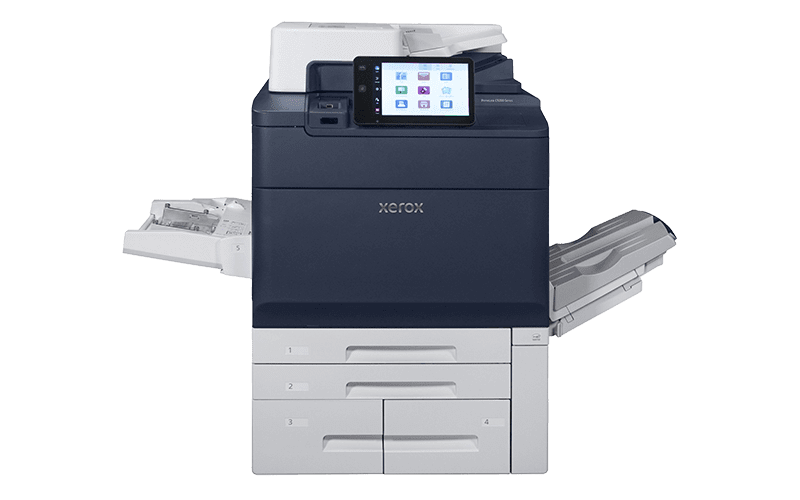
Xerox© PrimeLink® C9200 Series Printer

in
Xerox© PrimeLink® C9200 Series Printer


Raise your standards and accelerate your productivity


With the Xerox® PrimeLink® C9200 Series, enjoy exceptional print quality, unprecedented flexibility, and advanced automation. Whether you’re a growing business, a creative agency, or a production centre, this printer is designed to adapt to your needs and exceed your expectations.


Magnifying glass icon


1. Superior print quality

Give your documents vibrant colours and sharp detail, far beyond entry-level standards. With the Xerox® PrimeLink® C9200, each print is a model of precision and professionalism, delivering results that meet your highest expectations.


Sparkling icon


2. Seamless workflows and intuitive customisation

Intelligent automation frees up your time and resources, streamlining your print processes. Enhance efficiency and customise each project to meet your exact needs, effortlessly.


Pen icon


3. Finishing flexibility

Whether you’re printing small batches or large-scale productions, the PrimeLink® C9200 adapts to all your requirements. Its inline finishing on a wide range of media ensures high-quality results, regardless of the size or complexity of your projects.


Check icon


4. Beyond printing: security and compliance guaranteed

With security features and certifications, the PrimeLink® C9200 is perfectly equipped to meet and exceed your organisation’s security requirements.


Xerox© PrimeLink® C9200 Series Printer


  • Premium print quality with advanced LED printing technology and HD EA toner for exceptional output.
  • A wide range of finishing and feeding options, supporting applications from envelopes to extra-long formats (51 in./1300 mm) with weights up to 400 g/m².
  • Fast, seamless workflows with multiple speed options (65 / 75 / 81 ppm).
  • Smooth integration with Xerox® FreeFlow® workflows and optional Fiery print servers or standard integrated Xerox print server.
  • Powerful campaign personalisation with XMPie®.
  • Comprehensive built-in security.


Up to

81 pages per minute

Up to

60k pages/month


Xerox® PrimeLink® C9200 Series Printer

  • ModelPLC9265 / PLC9275
  • Standard functions Copy, Print, Scan
  • Optional functions Fax, Common Access Card Enablement, Multiple feeding and finishing options
  • Print speed
    Colour: up to 65 ppm / 75 ppm
    Black: up to 65 ppm 75 ppm
  • Recommended average monthly volume 10,000 – 60,000 pages per month
  • Finishing Booklet Making, Cutting, Slitting, and Folding, Finisher, Hole Punch, Stapler
  • Sustainability Xerox Supplies Recycling Programme


Embrace agility now


The integrated Xerox print server is now equipped with a new 10-inch high-definition touchscreen, optimising workflows such as XMPie and enhancing usability for printing, copying, and scanning.


Right side accesories of the Xerox® PrimeLink® C9200 Series Printer


Related Videos

Learn more about the Xerox ecosystem

Xerox® We Make Work, Work

in
Four colleagues collaborating in a modern office.


Discover how together with Xerox: We make work, work


Secure working from your chair at the office to your chair at home, and everywhere in between.

Contact us to speak to our experts, or download our brochures or request pricing.


Is work getting in the way of work?

Todays workers are busier than ever and pulled in different directions. It seems like everyone has two jobs.

That tsunami of admin, those invoices that need filing and paying, the emails that need opening. All those repetitive, mundane tasks that people are too busy dealing with to get their actual work done.

Thats where we come in.

Together with Xerox, we can help with award winning technology and innovations designed to make work better, simpler, less stressful, and more productive for all.


How can we help you


We work where you work.

Challenge: Whether youre in the office, at an offsite meeting, or working from home, you need the right tools to avoid repetitive mundane tasks to help you stay connected and productive.

How we solve it: By making it easier for people to do great work wherever they happen to be working. From the information you need at home to the equipment and cloud-based services you use in the office, and everything in between.


Security for people who dont want to lose sleep over security.

Challenge: Your people arent wired for 24/7 data security. They just want to get on with their day. Security processes that get in the way often get overlooked. Or even simply ignored.

How we solve it: By preventing, detecting, and protecting against threats to your sensitive documents, devices and data. From safeguarding your files to securing your print infrastructure, together with Xerox, we make it easy for your people to stay secure, so they hardly need to think about it.


Reflection of trees visible in the glass facade of a modern building, creating a harmonious blend of nature and architecture.


Digitise your workplace, and its not just trees you will save.

Challenge: Were all keen to go green. But in the workplace, that can be easier said than done with balancing sustainability goals with realities of business, cost controls, and performance targets.

How we solve it: By digitising your workflows to cut down on paper usage while making things simpler and more efficient. Recommending the right fit of technology so you can leverage a smaller number of higher-quality, energy efficient devices.

With your help, Xerox does its part to protect the Earth. Discover how by downloading Xerox® Corporate Social Responsibility Report.


Find the right information without searching through piles of documents.

Challenge: Business information is too often locked away, hard to reach, or buried in an ageing filing system. It becomes increasingly difficult for people to find the data and knowledge they need and share it securely.

How we solve it: Saving time and improving accuracy. From automated filing systems to AI-powered document processing and everything in between. Finding key information takes secondsnot hours.

Hands typing on a laptop with digital icons symbolizing AI and data analytics overlayed.


Discover how Digital Transformation works in and for your organization.

After the reactive decision-making of recent years, companies need to consider whether the digital infrastructure they have in place today will support the long-term business goals of tomorrow.

We know that every organisation functions differently, and, through our partnership with Xerox, we work with you to create solutions aligned with your individual challenges to reap the benefits and meet the needs of a flexible working environment.


Discover Xerox® advanced technology


Xerox® Multifunction Printers.
The Right Fit.

Find seamless efficiencies that work best for your small, midsize or large business.


The Workplace Assistant for small and medium workgroups, powered by our cutting edge ConnectKey® technology.

(S/M)


Xerox® VersaLink® C7100 Series, colour multifunction printer front view


The Workplace Assistant for medium and large workgroups, powered by our cutting edge ConnectKey® technology.

(M/L)


Xerox® AltaLink® C8200 Series Colour Multifunction Printer


The Entry Production printer with unmatched application flexibility and unsurpassed image quality

(L/XL)


Xerox® PrimeLink® C9200 Series Printer


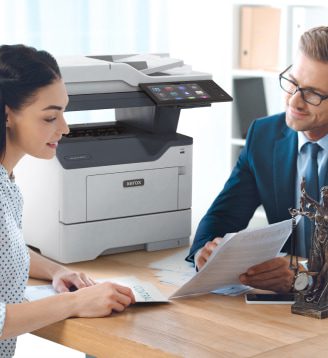
A man and woman seated at a table, engaged in conversation while a Xerox® printer is positioned nearby.

Discover Xerox® ConnectKey® Technology


Bridges paper and digital worlds for a seamless, secure, and collaborative work experience.


Visual representation of Xerox's updated business strategy, highlighting key innovations and strategic initiatives for success.

Xerox® Workflow Central Platform


Workflows that work wonders, the right tools to keep work flowing and reclaim your day. Because who has time for downtime?


Don’t just take our word for it


As a trusted Xerox Channel Partner, we want you to benefit from working with us. And judging by recent industry accolades, it seems Xerox is doing it right.


QUOCIRCA print security landscape report 2023.


Xerox has been named as a document security leader by Quocirca


Xerox has advanced its leadership position in Quocircas assessment of the print security market in 2023. Xerox has refined its security strategy, deepened investment in its service portfolio, and enhanced its go-to-market enablement, says Quocirca in its 2023 report into security hardware, solutions and services.


Related Videos

Xerox® Workplace Cloud and Suite

in
A person wearing glasses is working at a wooden table, looking at a laptop screen and writing in a notebook, with a smartphone nearby, suggesting a productive work environment


Securely manage your printing and access — on-premises or in the cloud.


In an era of remote work, hybrid environments and heightened security requirements, Xerox® Workplace Solutions helps you regain control over your printing and data.

Choose the hosting option that best fits your organisation — on-premise or in the cloud — and benefit from a unified, modular solution that is simple to manage.

Authentication, security, mobile printing, usage tracking — everything is centralised within a single, scalable platform.

Two options are available to meet your specific needs…


Xerox® Workplace Cloud – Print Management


A person's hands are shown typing on a laptop keyboard, with a glowing cloud icon and network connections superimposed over the image, symbolizing cloud connectivity and digital workflows.


The turnkey cloud solution to easily manage your printing — no local infrastructure required.


  • Fully hosted by Xerox: no servers to deploy, simplified management.
  • Universal mobile printing: print from iOS, Android, Windows, macOS, Chromebook…
  • Secure authentication: badge, PIN, mobile and integrated SSO.
  • Print tracking and reporting for office and remote workers (Home Worker Print Tracker).
  • Cloud-based dashboard for centralised printer administration.


Ideal for: multi-site organisations, extensive remote work, and businesses without dedicated IT support.


Xerox® Workplace Cloud – Fleet Management*


A person reviews data on a laptop screen, with a digital overlay of various device icons (printers, mobile devices) and connected lines, symbolizing centralized fleet management for Xerox Workplace Solutions.


Manage your felt through the cloud and benefit by automating your tasks and tightening up security.


Proactive Monitoring

  • Automatically monitors printer meters for low toner events and alerts to maximise uptime.
  • Performance dashboards to visualise data and act on it.


Xerox® Printer Security Audit Service

  • Printer security configuration management and compliance.
  • Policy enforcement with automatic remediating of settings.
  • Management of printer password, firmware and certificates to automate IT security tasks.


*Available with Management Print Services Only


Xerox® Workplace Suite


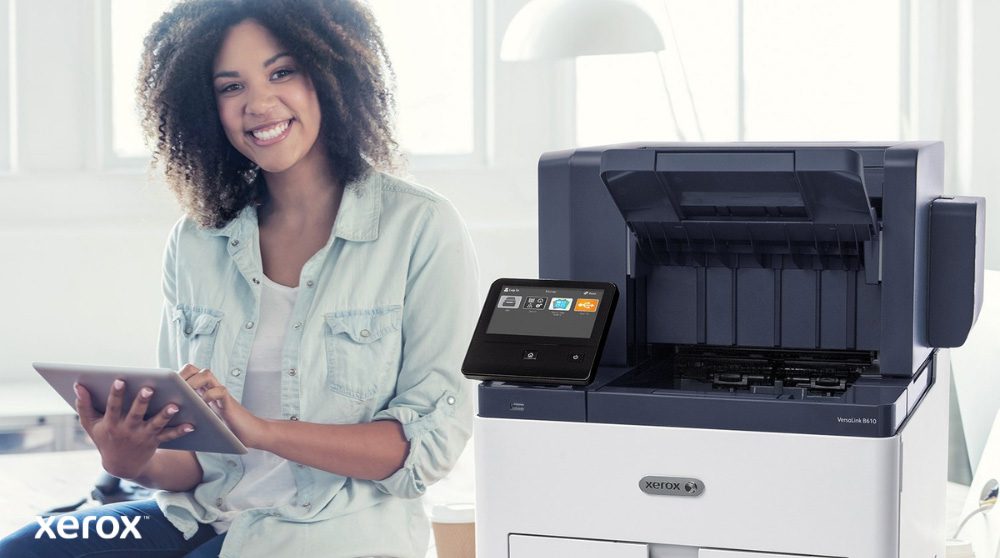
A smiling person is seated next to a white Xerox VersaLink B610 printer, holding a tablet and looking at the camera, highlighting the user-friendly nature of Xerox solutions.


The on-premise solution for full control over your data and infrastructure.


  • Deployed on your own server (on-site).
  • Mobile access and secure printing (pull printing).
  • Printing workflows with rules: cost reduction, access control, compliance with internal policies.
  • Content security feature: alerts in case of attempted printing of sensitive documents (Confidential, Internal Use, etc.).
  • Detailed usage statistics to manage costs and allocate printing by project or department.


Ideal for: organisations with strict confidentiality requirements, GDPR compliance needs, and a preference for local data control.


Features common to both solutions


  • Authentication via card, badge, PIN or mobile device.
  • Mobile printing (via app, email, AirPrint, Mopria…).
  • Secure printing: release upon user authentication.
  • Cost tracking and detailed reporting.
  • Multi-site / multi-user management.
  • Compatible with Xerox AltaLink® / VersaLink® printers.


Whether you prefer local management or remote administration, Xerox® Workplace Solutions adapts to your organisation.

Gain visibility, security and productivity — with no compromise.


How does it work?


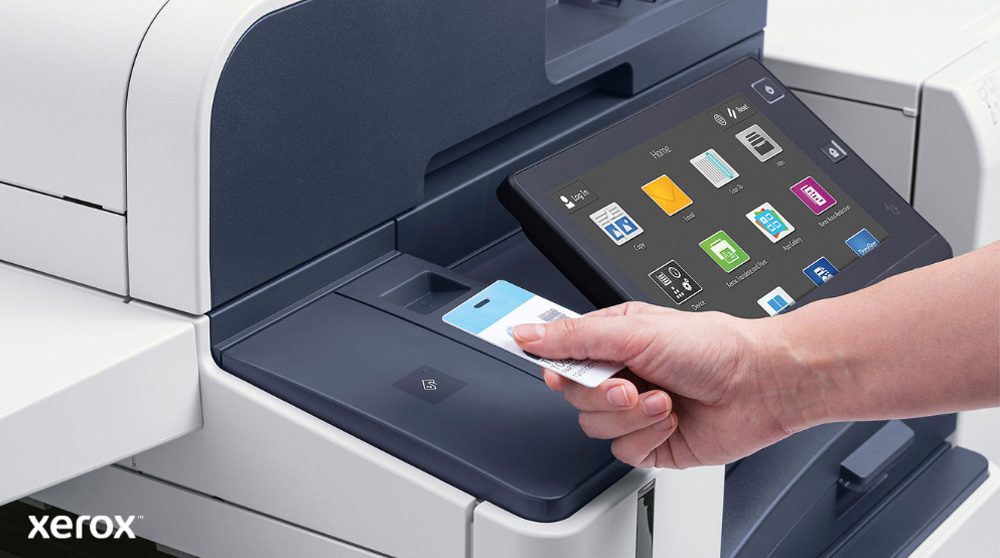
A hand holds a security card, scanning it near the card reader of a modern Xerox multifunction printer with a large touchscreen display showing various application icons.


Implementing Xerox® Workplace Solutions is simple, fast and IT-friendly.

  1. Connect your printers: from Xerox AltaLink® or VersaLink®, locally or via the cloud.
  2. Deploy the solution: on-premise (Workplace Suite) or hosted by Xerox (Workplace Cloud). No extra hardware needed.
  3. Create user profiles: sync with Active Directory or use manual setup.
  4. Set rules & access: manage groups, limits and secure badge/mobile authentication.
  5. Start printing: from PC, mobile, Chromebook or app — with secure release.
  6. Monitor & optimise: track usage, cut waste, and refine policies via dashboards.


Related Documents

Download the security brochure

Xerox® Workflow Central Platform

in
A woman is working on a laptop in a comfortable office or lounge setting, with a compact Xerox printer visible in the foreground, indicating seamless integration of printing with digital workflows.


Automate your documents, simplify your day


Designed for hybrid work environments, Xerox® Workflow Central helps businesses of all sizes to save time on document-related tasks such as conversion, translation, summarisation, securing files…

No more juggling multiple software or platforms. With Xerox® Workflow Central, all your document processes are centralised in one secure, always-accessible space.


Why choose Xerox® Workflow Central?


Transform your documents faster, without technical complexity or hardware constraints.

  • 100% cloud-based: accessible anywhere, anytime.
  • Intuitive interface: no technical skills required.
  • Built-in security: confidential data handling.
  • Fully compatible: works with PC, Mac, smartphones, and connected Xerox printers.
  • Instant time savings: automate, simplify, move faster.
  • Seamless team collaboration: work together without bottlenecks or duplication.


Powerful features for everyday efficiency


Do more, faster, with smart, ready-to-use tools:


Workflow Central project icon


Protect: stay in control of sensitive documents, even after sharing, by securing information exchanges.


Workflow Central notes icon


Handwriting to text: convert handwritten notes into typed text to share and use them more easily.


Workflow Central summarise icon


Summarise: automatically generate concise summaries to quickly grasp the key points and support faster decision-making.


Workflow Central clear icon


Redact: use AI to automatically remove sensitive data from documents, ensuring secure and error-free sharing.


Workflow Central PDF icon


Convert to PDF: view and archive files efficiently to save time and locate documents easily.


Workflow Central Translate icon


Translate: instantly translate your documents into over 40 languages while preserving the original layout.


Convert to audio Icon


Convert to audio: turn documents into audio files to listen on the go and boost productivity.


Workflow Central merge icon


Merge: combine up to five files of different formats into a single document to work more efficiently.


Workflow Central Microsoft Office icon


Convert to MS Office formats: transform files into editable Microsoft Office documents to eliminate retyping and work faster.


How does it work?


A person holds a tablet displaying the Xerox Workflow Central interface with various app icons, while other individuals work in the blurred background, highlighting mobile access to workflow solutions.


  1. Log in from your device web browser or Xerox multifunction printer via the ConnectKey® app.
  2. Select a physical or digital file.
  3. Define the input path (scan, upload, extract from cloud repository, drag & drop, or capture).
  4. Set the workflow (translate, convert, secure, etc).
  5. Choose the output (email, download, print, cloud, etc).


Compatibility and integration


A person is seated at a desk looking at a computer screen displaying the Xerox Workflow Central interface. On the right, icons for Microsoft, Google Drive, Dropbox, a filing cabinet, iOS, and Android illustrate broad compatibility.


Compatible with major business environments:

  • Microsoft 365 / OneDrive
  • Google Drive, Dropbox, Box
  • Xerox DocuShare Go
  • Xerox AltaLink® and VersaLink® printers
  • Microsoft® Edge version 79 or higher, Google Chrome version 60.0 or higher, Safari Mobile 12.0, Firefox version 88 or higher


Related Videos

Related Documents

Download the Xerox Workflow Central v3.0 - Brochure

Xerox® Print and Scan Experience

in
Two colleagues are walking down a hallway in a modern, open-plan office, holding documents and smiling, with other colleagues visible in the background, representing a dynamic and collaborative workplace.


Simplify your document workflows with Xerox® Print and Scan Experience


Printing and scanning reimagined for hybrid environments.

Printing or scanning should never be complicated. With Xerox® Print and Scan Experience, you can access all the advanced features of your Xerox® printer from a single application — with no complex setup required.

Designed for hybrid working environments, the app provides a smooth, consistent and intuitive experience across Windows 10/11 and macOS.

Automatic printer detection, simplified installation, OCR, preview, editing tools, shortcuts — everything is built to help you work efficiently, wherever you are.


A person is sitting at a high table by a large window, talking on a phone while working on a laptop. A Xerox B235DNI multifunction printer is conveniently placed on the table next to them, suggesting ease of use in a modern workspace.


Why choose Xerox® Print and Scan Experience?


  • Simplified setup: automatic printer detection and one-click driver installation.
  • Guaranteed compatibility: includes the Print Support App (PSA) for support of those using IPP with Windows Protected Print Mode or Universal Print drivers.
  • Perfect for hybrid work: seamless productivity, regardless of location or workstation.
  • Workflow Central access: connect via XPSE to simplify workflows and easily convert files into actionable formats.


Key features


A person is smiling while reviewing a document at a kitchen counter, with a compact Xerox printer and a bright yellow mug nearby, suggesting seamless printing and document handling in a home or small office setting.


  • Preview and built-in editing: crop, straighten, remove blank pages, adjust brightness and contrast.
  • Integrated OCR: scan documents and convert them into searchable PDF or audio files.
  • Workflow automation: create custom shortcuts and combine multiple settings into a single command.
  • Signatures and annotations: sign, date and comment on your documents directly within the app.
  • Secure PDFs: protect your scanned files with a password.
  • Printer monitoring and supply ordering: access maintenance information and support services in just a few clicks.
  • Eco-friendly printing: customise settings to reduce environmental impact while printing.


How does it work?


A person's hands are on a laptop keyboard, and the screen displays the Xerox Print and Scan Experience interface with options like Scan, Print, Device Status, Order Supplies, and Support Center, indicating user-friendly control.


  1. Download the app from the Microsoft Store or Apple App Store.
  2. Let it automatically detect your Xerox® printer.
  3. Install the appropriate print and scan drivers.
  4. Use the interface to preview, edit, print or scan.
  5. Add shortcuts, optimise your workflows, and automate your tasks.


Productivity & user experience


An overhead view of an open-plan office space with several people working at their desks, using computers. The scene conveys a productive and collaborative work environment.


A consistent experience for all your users

With Xerox® Print and Scan Experience, you provide your entire team — whether at headquarters, working remotely or on the move — with the same level of simplicity, performance and reliability.

The unified interface, native compatibility with Windows/Mac standards, and automation of document tasks help you:


  • Reduce support requests.
  • Save time on repetitive tasks.
  • Ensure immediate adoption — no training required.


Related Videos

Related Documents

Download on the App Store

Download on the Windows Store

Download the Xerox® Print and Scan Experience App Capability Brief

Download the Xerox® Print Support App brochure

Xerox® Smart Start

in
A modern Xerox AltaLink B8245 multifunction printer stands in the foreground of a bright office. In the background, a group of people are engaged in a collaborative discussion around a table.


Set up your printer in just a few clicks — no stress, no fuss


No more missing drivers, complex files or endless installations. With Xerox® Smart Start, setting up your printer is as fast as it is intuitive.

Whether you’re a first-time user or an experienced administrator, Smart Start automatically detects your devices, selects the correct drivers, and guides you through each step — no technical expertise required.

In just a few minutes, you’re ready to print or scan, entirely on your own.


What Xerox® Smart Start offers you


A hand holds a stack of wooden blocks, each engraved with a business icon: a person, a target, a money bag, a magnifying glass, gears, and a lightbulb, representing various benefits and solutions.


A tool designed for non-technical users… and for experts too.


  • Automatic installation of the appropriate drivers for your system (Windows 10 & 11).
  • Intelligent detection of available printers on the network or via IP address.
  • Quick or advanced mode depending on your technical level.
  • TWAIN/WIA compatibility for scanning (via advanced installation).
  • Native support for Microsoft Type 3, Type 4 and IPP systems.
  • Simplified updates for existing drivers.


Who is it for? For what needs?


A person is seated at a desk, looking at a laptop with a Xerox C325 multifunction printer beside it. In the background, two other people are also working at their desks in a bright office environment.


  • Everyday user: not sure which driver to choose? Launch “Quick Install” and let Smart Start do the work for you.
  • System administrator: choose the advanced installation, select your drivers and PDLs (PostScript, PCL6, PCLm), add scanning modules, and customise print queues.
  • IT-free environment: Smart Start enables all employees to install their device independently.


How does it work?


A close-up view of a computer monitor displaying an "Installing" progress bar at 25%, with a person's hand on a computer mouse next to a coffee cup, illustrating easy software setup.


Download and run the .exe file.

  1. Read and accept the terms of use.
  2. Automatic detection of printers on the local network, or enter IP/hostname manually.
  3. Choose your install mode:
    1. Quick Install → automated setup
    2. Advanced Install → manual selection of drivers and options
  4. Complete setup and print — with or without a test page.


With the Xerox® Quick Link app, one email is all it takes:

  • The printer sends a personalised download link.
  • The installer detects the device’s network address.
  • You start installation without searching for the printer.


What are the main benefits?


Two people seated at a desk, facing away from the camera, perform a fist bump, symbolizing teamwork and successful collaboration. One is looking at a computer screen.


  • Simplicity for all: one tool for installing, updating and managing devices.
  • Time-saving: saves time for users and IT teams — no need for manual setup. Everything is automated, guided and secure from the first launch.
  • Security & control: privilege elevation only when needed (with admin badge via Windows UAC).
  • Advanced options for professionals: 
    • PDL selection: PostScript, PCL6, PCLm
    • Choice of Microsoft Type 3, Type 4 or IPP
    • Add-on tools: Xerox Print & Scan Experience, Desktop Print Experience
    • Choice of scan driver installation
  • Simplified updates: Smart Start detects your printers and suggests newer drivers when available.


Related Documents

Download the user guide

Get the installler

Discover our other workflow solutions

Cloud Connectors

in
App logos Cloud Connectors


Our cloud connector apps make it safe and easy to create highly efficient workflows by connecting your ConnectKey® Technology-enabled devices to your cloud storage app of choice. Scan directly to a cloud folder for easy sharing and collaboration, or print document stored in the cloud with just a few touches directly at the MFP.


App Logo Connect for Box


Connect 2.0 for Box®:

Easily print from or scan to an individual or shared Box account. As more organisations and workers are leveraging the convenience of cloud storage services, this app makes it easier to digitise documents, collaborate and work on the go.


App Logo Connect for Dropbox


Connect 2.0 for Dropbox™:

Easily print from or scan to an individual or shared Dropbox account.


App Logo Connect for Google Drive


Connect 2.0 for Google Drive™:

Easily print from or scan to an individual or shared Google Drive™ account. This app makes it easier to digitise documents, collaborate and work on the go.


App Logo Connect for One Drive


Connect 2.0 for Microsoft® OneDrive®:

Easily print from or scan to an individual or shared Microsoft® OneDrive® account.


App Logo Connect for Office


Connect 2.0 for Microsoft® Office 365®:

Easily print from or scan to an individual or shared Microsoft® Office 365® account.


Your workplace assistant is ready and waiting.

Streamline workflows and tame complex processes in any office setting with Xerox ConnectKey Technology-enabled devices and apps for your workplace assistant.

Links

Visit App Gallery


Related Videos

Basic Print Services

in
Basic Print Services


PagePack®

PagePack is a hardware support and maintenance service including all consumables, excluding print media, which is available for PagePack-enabled models. With PagePack you can reduce your print and copy expenses easily by 30% if compared with purchasing the consumables and service when needed.


The PagePack Advantage

  1. A fixed cost-per-page regardless of what is printed
  2. Predictable costs based on an agreed price
  3. An all-inclusive contract: consumables and service
  4. Consumables ordering online 24/7 and delivered at your door

How does PagePack improve productivity and reduce printing costs?

  • Cut costs on printing consumables, service and your cost-per-page
  • Reduce waste by only ordering the supplies you need with no ‘leftovers’
  • Increase productivity by automating meter reads, no need to submit reads manually, not even when placing a consumable order
  • Free up your IT resources for more business critical tasks rather than supporting output devices
  • Control and forecast budgets accurately by setting your printing and supply costs up-front
  • Get the best output of your Xerox device with original supplies and parts
  • Access online support 24/7
  • Get speed of resolution as over 45% of customer issues are resolved online or by phone
  • Xerox trained engineers will be on-site with hands-on technical support within the agreed Service Level Agreement


ServicePack

Available for most Xerox desktop printers and MFPs, ServicePack means you can continue to benefit from Xerox’s customer service when your warranty expires.  ServicePack is the best way of protecting your investment and ensuring excellent performance from your printing device for years to come.

Benefits of ServicePack

  • Peace of mind. Enjoy brilliant printing output
  • Reliability. Our responsive service and on-site support will ensure optimum uptime for your Xerox printing devices
  • Efficiency.  Protect your investment and maximise the working life of your devices, with services from Xerox-trained technicians using Xerox genuine replacement parts


Financial Services

in
Financial Services


Tailored finance for all your solutions

Leasing is a way of funding equipment which keeps money in your business rather than in depreciating assets. It enables you to make regular repayments, which meet your cash flow and budgetary requirements, over a time period that suits you.


Leasing can help your business in the following ways:

  • Maximise affordability – Leasing allows you to spread the cost of your equipment acquisition over the useful life of the asset.
  • Improved cash flow – Leasing enables you to avoid putting a large amount of cash into a depreciating asset. Allowing you to invest your capital in other areas such as product development, marketing or other business opportunities.
  • Lower Capital Outlay – Unlike with equipment financed through an outright purchase leasing equipment requires a lower capital outlay.
  • Upgrading Existing Equipment – Through leasing you are given the opportunity to upgrade these assets during the life of the contract hence, you are given access to the latest technology and do not have to wait months or years to recover capital costs.


We partner with Xerox Financial Services, a wholly owned subsidiary of Xerox, to provide you with the best financial solution to suit your requirements. We with Xerox Financial Services are dedicated to providing both simplicity and flexibility in every solution, to meet your requirements.


Xerox® Auto-Redaction App

in

Now you see it. Now you don’t.


Redacted censored document


With this redaction app on your Xerox® ConnectKey® Technology-enabled multifunction printer (MFP), you can remove sensitive and personally identifiable information (PII) from an entire document in seconds.


Privacy is just a scan away.

Altalink lock graphic violet

Choose criteria


Scan icon violet

Scan and redact


Search icon violet

Preview


Three arrows icon violet

Print or email


Redaction is simple with Xerox® Auto-Redaction.

Any personally identifiable information (PII) — names, phone numbers, emails, Social Security numbers, dates of birth — is automatically redacted from official documents with this app. Choose your criteria, scan, preview the results and either print or email the fully redacted document. Custom redaction types are easy to add, and there’s plenty of flexibility to meet your specific needs.


Altalink printer display screen


Easy access

Just click on the app icon at the MFP, select what you want to redact and scan.


Auto-redaction app screen


Rapid redaction

Choose the data types you’d like redacted and see results in seconds. Preview and approve to complete the process.


Auto-redaction app preview screen


Preview, then share

Print the redacted document or send via email to your computer or the appropriate parties.


Your workplace assistant is ready and waiting.

Streamline workflows and tame complex processes in any office setting with Xerox ConnectKey Technology-enabled devices and apps for your workplace assistant. Xerox Auto-Redaction App is ideal for legal departments and firms, government, healthcare, human resources, and education professionals.


Links

View in App Gallery


Visit App Gallery


Related Videos

Xerox® PrimeLink® C9200 Series Printer Press

Everything is possible. Anyone can print like a pro.

in

Features

Find all the specifications in the technical brochure
  • Standard Capabilities Copy, print, scan
  • Optional Capabilities Fax, Common Access Card Enablement, Multiple feeding and finishing options
  • Print speed 65 ppm
  • Recommended average monthly volume 10,000 – 60,000 pages per month
  • Finishing Booklet Making, Cutting, Slitting, and Folding, Finisher, Hole Punch, Stapler
  • Sustainability Green World Alliance
  • Standard Capabilities Copy, print, scan
  • Optional Capabilities Fax, Common Access Card Enablement, Multiple feeding and finishing options
  • Print speed 75 ppm
  • Recommended average monthly volume 10,000 – 60,000 pages per month
  • Finishing Booklet Making, Cutting, Slitting, and Folding, Finisher, Hole Punch, Stapler
  • Sustainability Green World Alliance
  • Standard Capabilities Copy, print, scan
  • Optional Capabilities Fax, Common Access Card Enablement, Multiple feeding and finishing options
  • Print speed 81 ppm
  • Recommended average monthly volume 10,000 – 60,000 pages per month
  • Finishing Booklet Making, Cutting, Slitting, and Folding, Finisher, Hole Punch, Stapler
  • Sustainability Green World Alliance

Related Videos

Related Documents

Brochure – Xerox® PrimeLink® C9200 Series Printer

Specifications - Xerox® PrimeLink® C9200 Series Printer

XMPie® Application Brief

Xerox® Integrated Print Server

Xerox® EX C9200 Series Print Server Powered by Fiery®

Xerox® EX-i C9200 Series Print Server Powered by Fiery®

Xerox® PrimeLink® C9200 Series Printer

Everything is possible. Anyone can print like a pro.

in

Features

Find all the specifications in the technical brochure
  • Standard Capabilities Copy, print, scan
  • Optional Capabilities Fax, Common Access Card Enablement, Multiple feeding and finishing options
  • Print speed 65 ppm
  • Recommended average monthly volume 10,000 – 60,000 pages per month
  • Finishing Booklet Making, Cutting, Slitting, and Folding, Finisher, Hole Punch, Stapler
  • Sustainability Green World Alliance
  • Standard Capabilities Copy, print, scan
  • Optional Capabilities Fax, Common Access Card Enablement, Multiple feeding and finishing options
  • Print speed 75 ppm
  • Recommended average monthly volume 10,000 – 60,000 pages per month
  • Finishing Booklet Making, Cutting, Slitting, and Folding, Finisher, Hole Punch, Stapler
  • Sustainability Green World Alliance
  • Standard Capabilities Copy, print, scan
  • Optional Capabilities Fax, Common Access Card Enablement, Multiple feeding and finishing options
  • Print speed 81 ppm
  • Recommended average monthly volume 10,000 – 60,000 pages per month
  • Finishing Booklet Making, Cutting, Slitting, and Folding, Finisher, Hole Punch, Stapler
  • Sustainability Green World Alliance

Related Videos

Related Documents

Brochure – Xerox® PrimeLink® C9200 Series Printer

Specifications - Xerox® PrimeLink® C9200 Series Printer

XMPie® Application Brief

Xerox® Integrated Print Server

Xerox® EX C9200 Series Print Server Powered by Fiery®

Xerox® EX-i C9200 Series Print Server Powered by Fiery®

Discover our other workflow solutions

    Sorry, no posts matched your criteria.

Xerox® PrimeLink™ C9065/C9070 Colour Printer

Breakthrough performance. New business results

in

Features

Find all the specifications in the technical brochure
  • Features Copy, print, scan, fax, email
  • Paper size Min 102 x 152 mm, Max SRA3 / 330 x 488 mm
  • Paper weight 60gsm – 350gsm
  • Print speed PLC9065 up to 65 ppm colour, 70 ppm black and white
  • Print speed PLC9070 up to 70 ppm colour, 75 ppm black and white
  • Scan Speed up to 270 ppm
  • Resolution Xerox® EA-Eco toner with Ultra Low Melt Technology (2400 x 2400 dpi)
  • Duty Cycle 300.000 pages/month
  • Recommended average montly volume 10.000-50.000 pages /month

Related Videos

Related Documents

Do you want to download our brochure

Do you want to download our specifications

Discover our other workflow solutions

Xerox® Versant® 4100 Press

A versatile press reinvented with even more smart automation for virtually touch-free quality control.

in

Features

Find all the specifications in the technical brochure
  • Standard Capabilities Colour printing
  • Optional Capabilities High-capacity feeding, stacking, and finishing
  • Paper size Min 98 x 146 mm, Max 330 x 660 mm
  • Media weight 52 – 400 gsm
  • Media types Coated and uncoated papers, bright papers, labels, business cards, glossy brochures, window decals, durable/synthetic papers, greeting cards, tabs, embossed, polyesters and custom solutions, Mixed-stock jobs supported
  • Print speed up to 100 ppm
  • Recommended average monthly volume up to 250.000 pages/month
  • Duty Cycle 1 200.000 pages/month
  • Maximum print resolution 2400 x 2400 dpi VCSEL ROS / up to 1200 x 1200 x 10 RIP
  • Sustainability EPEAT

Related Documents

Brochure - Versant 4100

Discover our other workflow solutions

    Sorry, no posts matched your criteria.

Xerox® PrimeLink® B9100 Series Printer

Your competitive edge in black and white.

in

Features

Find all the specifications in the technical brochure
  • Standard Capabilities Copy, print, scan, fax, email
  • Optional Capabilities Multiple feeding and finishing options, Workflow Apps, EFI Digital Front End
  • Paper size Min 102 x 152 mm, Max SRA3 / 330 x 660 mm (with optional Oversized High Capacity Feeder)
  • Paper weight 60gsm – 350gsm
  • Print speed Up to 100 / 110 / 125/136 ppm
  • Scan speed Up to 270 ppm
  • Resolution Xerox® EA-Eco toner with Ultra Low Melt Technology (2400 * 2400 dpi)
  • Duty Cycle 3.000.000 pages per month
  • Recommended average monthly volume 70,000 – 700,000 pages/month

Related Videos

Related Documents

Do you want to download our brochure

Do you want to download our specifications

Xerox® VersaLink® C7000 Colour Printer

Xerox® ConnectKey® technology enabled colour printer

in

Features

Find all the specifications in the technical brochure
  • Standard functions Print
  • Print speed 35 ppm
  • Recommended monthly print volume 10,000 pages
  • Duty cycle Up to 153,000 images/month
  • Standard paper capacity 620 sheets
  • Two-sided output Optional
  • Sustainability EPEAT, ENERGY STAR®

Related Videos

Related Documents

Brochure – VersaLink C7000

Download specifications Xerox® VersaLink® C7000

Specifications – VersaLink C7000

Productivity Kit – VersaLink HDD/SSD Fact Sheet – VersaLink C7000

Evaluator Guide – VersaLink Printers and MFPs

Discover our other workflow solutions

    Sorry, no posts matched your criteria.

Xerox® Altalink® B8145 – B8155 – B8170

The Ideal Workplace Assistant for Demanding Teams

in

Features

Find all the specifications in the technical brochure
  • Standard functions Copy, Email, Print, Scan
  • Optional functions Walkup fax, Xerox Integrated RFID Card Reader
  • Innovative technology Smart Proximity sensor, Near Field Communication (NFC)
  • Paper size A3
  • Maximum paper capacity 6,140 sheets
  • Print speed Up to 72 ppm
  • Recommended Monthly Print Volume Up to 100.000 pages per month
  • Maximum print resolution 1200 x 2400 dpi
  • Maximum copy resolution 600 x 600 dpi
  • Sustainability EPEAT® , ENERGY STAR®

Related Videos

Related Documents

Brochure – AltaLink B8100 Series

Specifications – AltaLink B8100 Series

Brochure – Xerox® ConnectKey® Technology

Discover our other workflow solutions

    Sorry, no posts matched your criteria.

Xerox® AltaLink® Serie C8100

The Ideal Workplace Assistant for Demanding Teams

in

Features

Find all the specifications in the technical brochure
  • Standard functions Copy, Email, Print, Scan
  • Optional functions Walkup fax, Xerox Integrated RFID Card Reader
  • Paper size A3
  • Maximum paper capacity 6,140 sheets
  • Colour up to 30 / 35 / 45 / 55 / 70 ppm
  • Black up to 30 / 35 / 45 / 55 / 70 ppm
  • Recommended Monthly Print Volume Up to 40.000 pages per month
  • Maximum print resolution 1200 x 2400 dpi
  • Maximum copy resolution 600 x 600 dpi
  • Sustainability EPEAT® , ENERGY STAR®

Related Videos

Related Documents

Brochure – AltaLink® C8100 Series

Specifications – AltaLink® C8100 Series

Brochure – Xerox® ConnectKey® Technology

Discover our other workflow solutions

    Sorry, no posts matched your criteria.

Xerox® VersaLink® C605

Powerful performance. Personalised productivity.

in
Xerox® VersaLink® C605

Xerox ConnectKey Technology enabled smart Workplace Assistant

Colour MFP with support for A4

The new definition of exceptional performance, unbeatable reliability and impressive print quality

Cloud connected, mobile ready, app-enabled, and easy to customize

Ref : C605V/X - Xerox
Output
Colour
Paper size
A4
Up to
53ppm
Up to
15Kpages/month

Features

Find all the specifications in the technical brochure
  • Functionalities copy, print, scan, fax, email, & cloud
  • Paper size A4
  • Print Speed Colour up to 53 ppm
  • Print speed black up to 53 ppm
  • Recommended monthly print volume up to 15.000 pages / month
  • Duty cycle up to 120.000 images/month

Related Documents

Do you want to download our brochure

Do you want to download our spec sheet

Discover our other workflow solutions

    Sorry, no posts matched your criteria.

Xerox® PrimeLink™ C9065/C9070 Printer

Work Smarter, not Harder

in

Features

Find all the specifications in the technical brochure
  • Standard Capabilities Copy, print, scan, fax, email
  • Optional Capabilities Multiple feeding and finishing options, Workflow Apps
  • Features Copy, print, scan, fax, email
  • Paper size Min 102 x 152 mm, Max SRA3 / 330 x 488 mm
  • Paper weight 60gsm – 350gsm
  • Print speed PLC9065 Up to 65 ppm colour, 70 ppm black and white
  • Print speed PLC9070 Up to 70 ppm colour, 75 ppm black and white
  • Scan Speed Up to 270 ppm
  • Resolution Xerox® EA-Eco toner with Ultra Low Melt Technology (2400 x 2400 dpi)
  • Duty Cycle 300.000 pages/month
  • Recommended average monthly volume 10.000-50.000 pages /month

Related Videos

Related Documents

Do you want to download our brochure

Do you want to download our specifications

Xerox® PrimeLink® B9100 Series

Production ready, office-friendly black and white.

in

Features

Find all the specifications in the technical brochure
  • Standard Capabilities Copy, print, scan, fax, email
  • Optional Capabilities Multiple feeding and finishing options, Workflow Apps, EFI Digital Front End
  • Paper size Min 102 x 152 mm, Max SRA3 / 330 x 660 mm (with optional Oversized High Capacity Feeder)
  • Paper weight 60gsm – 350gsm
  • Print speed Up to 100 / 110 / 125/136 ppm
  • Scan speed Up to 270 ppm
  • Resolution Xerox® EA-Eco toner with Ultra Low Melt Technology (2400 * 2400 dpi)
  • Duty Cycle 3.000.000 pages per month
  • Recommended average monthly volume 70,000 – 700,000 pages/month

Related Videos

Related Documents

Do you want to download our brochure

Do you want to download our specifications

Discover our other workflow solutions

Xerox® C410 Colour Printer

Compact, reliable, and secure color printer that small businesses demand

in

Features

Find all the specifications in the technical brochure
  • Print speed 40 ppm
  • Standard functions Print
  • Recommended monthly print volume 10,000 pages
  • Duty cycle Up to 125,000 images/month
  • Standard paper capacity 251 sheets
  • Maximum paper capacity 2,001 sheets
  • Two-sided output Standard
  • Sustainability EPEAT, ENERGY STAR®, Blue Angel, Green World Alliance
  • Connectivity Gigabit Ethernet, Hi Speed USB 2.0 (Type A), Hi Speed USB 2.0 (Type B)
  • Connectivity (optional) Wireless Network Adapter (802.11 b/g/n/ac)

Related Videos

Related Documents

Brochure — Xerox C410

Specifications — Xerox C410

Discover our other workflow solutions

    Sorry, no posts matched your criteria.

Xerox® VersaLink® C620 Colour Printer

Right-sized, Xerox® ConnectKey®-enabled Workplace Assistant that exceeds expectations

in

Features

Find all the specifications in the technical brochure
  • Standard functions Print
  • Print speed 50 ppm
  • Standard paper capacity 650 sheets
  • Maximum paper capacity 2,850 sheets
  • Input Options Up to 4 additional 550-Sheet trays
  • Two-sided output Standard
  • Wi-Fi connectivity Optional
  • Sustainability EPEAT, ENERGY STAR®, Green World Alliance

Related Documents

Brochure – VersaLink C620/C625

Brochure – Xerox® ConnectKey® Technology

Specifications – Xerox VersaLink C620 Colour Printer

Discover our other workflow solutions

    Sorry, no posts matched your criteria.

Xerox® VersaLink® B620 Printer

Right-sized, Xerox® ConnectKey®-enabled Workplace Assistant that exceeds expectations

in

Features

Find all the specifications in the technical brochure
  • Standard functions Print
  • Print speed 61 ppm
  • Standard paper capacity 650 sheets
  • Maximum paper capacity 3,850 sheets
  • Input Options Add up to 3 additional 550-Sheet traysAdd 1 additional 2100-Sheet tray
  • Two-sided output Standard
  • Wi-Fi connectivity Optional
  • Sustainability EPEAT, ENERGY STAR®, Green World Alliance

Related Documents

Brochure – Xerox VersaLink B620 Printer

Brochure – Xerox® ConnectKey® Technology

Specifications – Xerox VersaLink B620 Printer

Discover our other workflow solutions

    Sorry, no posts matched your criteria.

Xerox® B410 Printer

Compact, reliable, and secure printer that small businesses demand

in

Features

Find all the specifications in the technical brochure
  • Print speed 47 ppm
  • Standard functions Print
  • Recommended monthly print volume 20,000 pages
  • Duty cycle Up to 175,000 images/month
  • Standard paper capacity 650 sheets
  • Maximum paper capacity 2,300 sheets
  • Two-sided output Standard
  • Sustainability EPEAT, ENERGY STAR®, Blue Angel, Green World Alliance
  • Connectivity Gigabit Ethernet, Hi Speed USB 2.0 (Type A), Hi Speed USB 2.0 (Type B)
  • Connectivity (optional) Wireless Network Adapter (802.11 b/g/n/ac)

Related Videos

Related Documents

Brochure — Xerox B410

Specifications — Xerox B410

Discover our other workflow solutions

    Sorry, no posts matched your criteria.

Lexmark CX96 Series

A high-performance A3 colour multifunction printer designed for demanding work environments.

in

Related Documents

Brochure – Lexmark CX961

Brochure – Lexmark CX962

Brochure – Lexmark CX963

Specifications – Lexmark CX961

Specifications – Lexmark CX962

Specifications – Lexmark CX963

Lexmark CX95 Series

An A3 colour multifunction printer combining versatility, intuitive operation and durable performance.

in

Related Documents

Brochure – Lexmark CX950

Brochure – Lexmark CX951

Specifications – Lexmark CX950

Specifications – Lexmark CX951

Colour Printer Lexmark CS963

An A3 colour printer designed for high-volume production, vibrant colour output and durable performance.

in

Features

Find all the specifications in the technical brochure
  • Standard functions Print
  • Print speed Up to 55 pages per minute (A4).
  • Recommended monthly print volume 7,000 – 50,000 pages
  • Maximum monthly duty cycle Up to 270,000 pages per month
  • Standard paper capacity 700 sheets (550-sheet tray + 150-sheet multipurpose feeder)
  • Maximum paper capacity Up to 4,750 sheets
  • Input options 500-sheet tray, 2 × 550-sheet tray, 2,000-sheet dual input feeder, 1,500-sheet high-capacity tray, specialty media tray, various finishing units and furniture options
  • Duplex output Automatic duplex printing
  • Sustainability Device engineered to reduce energy consumption and incorporating post-consumer recycled materials; supported by the Lexmark cartridge recycling programme (LCCP). ENERGY STAR® certified.

Related Documents

Brochure – Lexmark CS963 Colour Printer

Specifications – Lexmark CS963 Colour Printer

Multifunction Printer Lexmark MX953

An A3 monochrome multifunction printer designed for high productivity, intuitive operation and long-term durability.

in

Features

Find all the specifications in the technical brochure
  • Standard functions Copy, Print, Scan
  • Print speed Up to 55 pages per minute (A4)
  • Recommended monthly print volume 4,000 – 20,000 pages
  • Maximum monthly duty cycle Up to 150,000 pages per month
  • Standard paper capacity 700 sheets (550-sheet tray + 150-sheet multipurpose feeder)
  • Maximum paper capacity Up to 4,750 sheets
  • Input options 500-sheet tray, 2 × 550-sheet tray, 2,000-sheet dual input feeder, 1,500-sheet high-capacity tray, specialty media tray, various finishing units and furniture options
  • Duplex output Automatic duplex printing
  • Sustainability Device engineered to reduce energy consumption and incorporating post-consumer recycled materials; supported by the Lexmark cartridge recycling programme (LCCP). ENERGY STAR® certified.

Related Documents

Brochure – Lexmark MX953

Specifications – Lexmark MX953

Multifunction Printer Lexmark CX833

An A4 colour multifunction printer delivering versatility, intuitive operation and durable performance.

in

Features

Find all the specifications in the technical brochure
  • Standard functions Copy, Print, Scan
  • Print speed Up to 55 pages per minute (A4)
  • Recommended monthly print volume 7,000 – 50,000 pages
  • Maximum monthly duty cycle Up to 270,000 pages per month
  • Standard paper capacity 700 sheets (550-sheet tray + 150-sheet multipurpose feeder)
  • Maximum paper capacity Up to 4,750 sheets
  • Input options 500-sheet tray, 2 × 550-sheet tray, 2,000-sheet dual input feeder, 1,500-sheet high-capacity tray, specialty media tray, various finishing units and furniture options
  • Duplex output Automatic duplex printing
  • Sustainability Device engineered to reduce energy consumption and incorporating post-consumer recycled materials; supported by the Lexmark cartridge recycling programme (LCCP). ENERGY STAR® certified.

Related Documents

Brochure – Lexmark CX833 Colour Multifunction Printer

Specifications – Lexmark CX833 Colour Multifunction Printer

Xerox® Proficio™ PX300 Production Press

Scale up to industrial production without compromising on quality.

in

Features

Find all the specifications in the technical brochure
  • Standard functions Print, copy and scan
  • Print speed Up to 85 pages per minute (A4)
  • Recommended monthly print volume Up to 150,000 pages per month
  • Maximum monthly duty cycle Up to 750,000 pages per month (maximum service cycle)
  • Standard paper capacity 1,900 sheets
  • Maximum paper capacity Up to 9,900 sheets with optional feeding modules
  • Print servers Xerox® EX PX300 Print Server powered by Fiery®, Xerox® EX-i PX300 Print Server powered by Fiery®
  • Duplex Automatic duplex printing and duplex scanning
  • Finishing Offset stacking, booklet making, cutting, slitting and folding modules, finishing modules, punching, folding and inline binding
  • Media types Coated and uncoated papers, envelopes, glossy and coloured media, labels, business cards, glossy brochures, transparencies, recycled or synthetic papers, tabbed inserts, embossed papers, polyester and customised media. Mixed-media printing supported
  • Sustainability Device designed to meet ENERGY STAR® requirements and EPEAT® registered, compatible with the Xerox consumables recycling programme

Related Videos

Related Documents

Brochure — Xerox® Proficio™ PX300 Production Press

Specifications — Xerox® EX-Li PX300 Print Server Powered by Fiery®

Specifications — Xerox® EX PX300 Print Server Powered by Fiery®

Xerox® Proficio™ PX500 Production Press

Push the boundaries of colour production with power, precision and advanced automation.

in

Features

Find all the specifications in the technical brochure
  • Standard functions Colour printing with integrated automation and support for media up to 400 g/m² at rated speed
  • Print speed Up to 100 pages per minute (A4)
  • Recommended monthly print volume Up to 350,000 pages per month
  • Maximum monthly duty cycle Up to 1,800,000 pages per month
  • Standard paper capacity Modular configuration with input options designed for production environments
  • Maximum paper capacity Expandable with optional feeding modules
  • Print servers Xerox® EX-P PX500 Print Server powered by Fiery®
  • Duplex Automatic duplex printing
  • Finishing Offset stacking, booklet making, cutting, slitting and folding devices, finishing modules, punching, folding and inline binding
  • Media types Coated and uncoated papers, envelopes, glossy media, coloured media, labels, business cards, glossy brochures, transparencies, recycled or synthetic papers, greeting cards, tabbed dividers, embossed papers, polyester and custom media. Multisubstrate printing supported
  • Media management The Xerox® PredictPrint Media Manager software, AI-assisted and cloud-based, simplifies and automates alignment and registration adjustments to optimise media management
  • Sustainability Device designed to meet ENERGY STAR® requirements, EPEAT® registered, and compatible with the Xerox supplies recycling programme

Related Videos

Related Documents

Brochure — Xerox® Proficio™ PX500 Production Press

Specifications — Xerox® EX-P PX500 Print Server Powered by Fiery®

Specifications — Xerox® EX PX500 Print Server Powered by Fiery®

Go to Top